
Why some meetings need a second look
When you share a public booking link, you open up your calendar to anyone with access. While this is great for accessibility, it can also lead to problems: spam bookings, unqualified leads, and meetings that don’t align with your priorities.
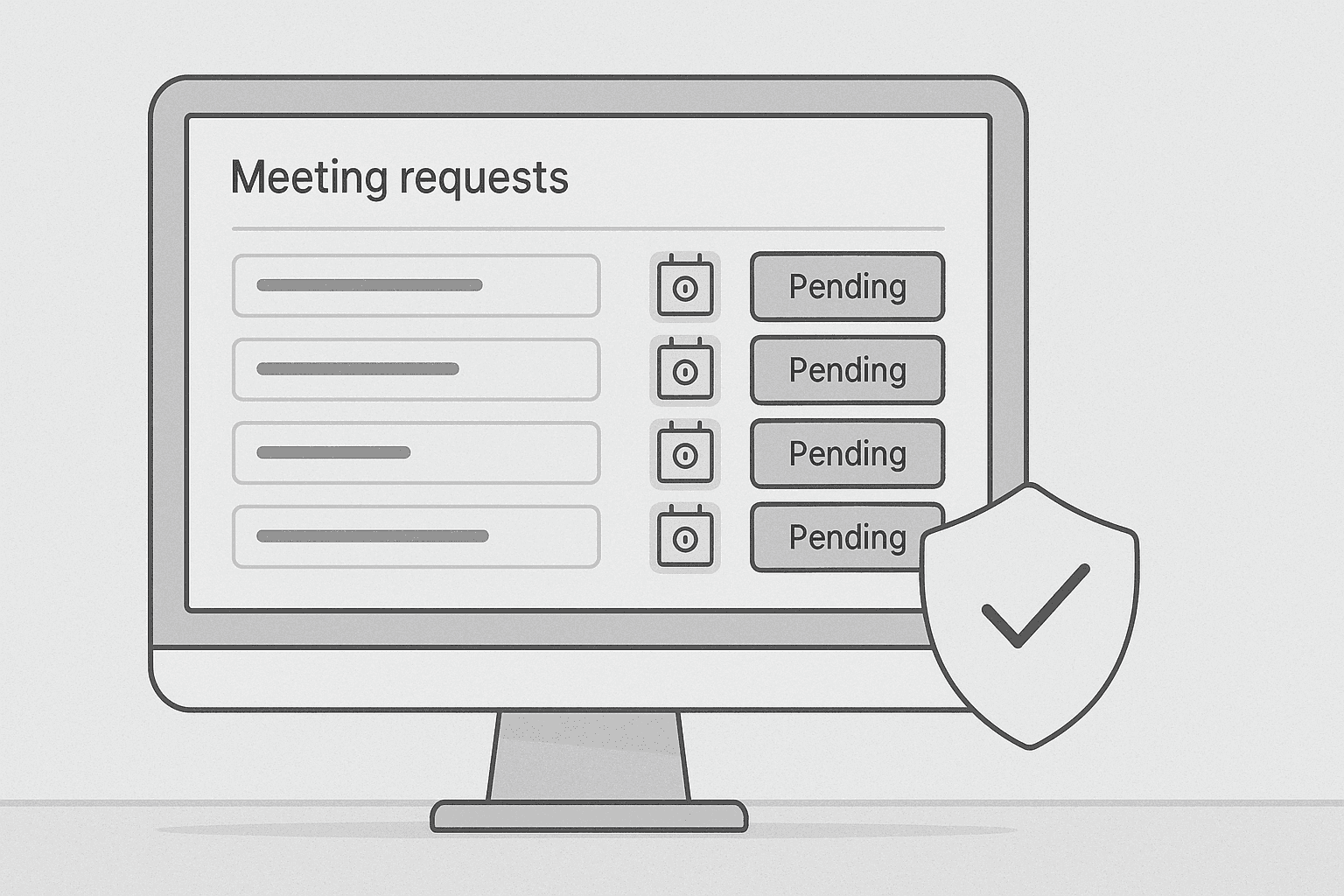
Enter Cal.com’s Requires Confirmation feature. Instead of allowing instant bookings, this setting puts incoming requests into a "pending" state. You can review the request details and choose to accept or decline the meeting manually. It’s like having a gatekeeper for your schedule.
What is "Requires Confirmation"?
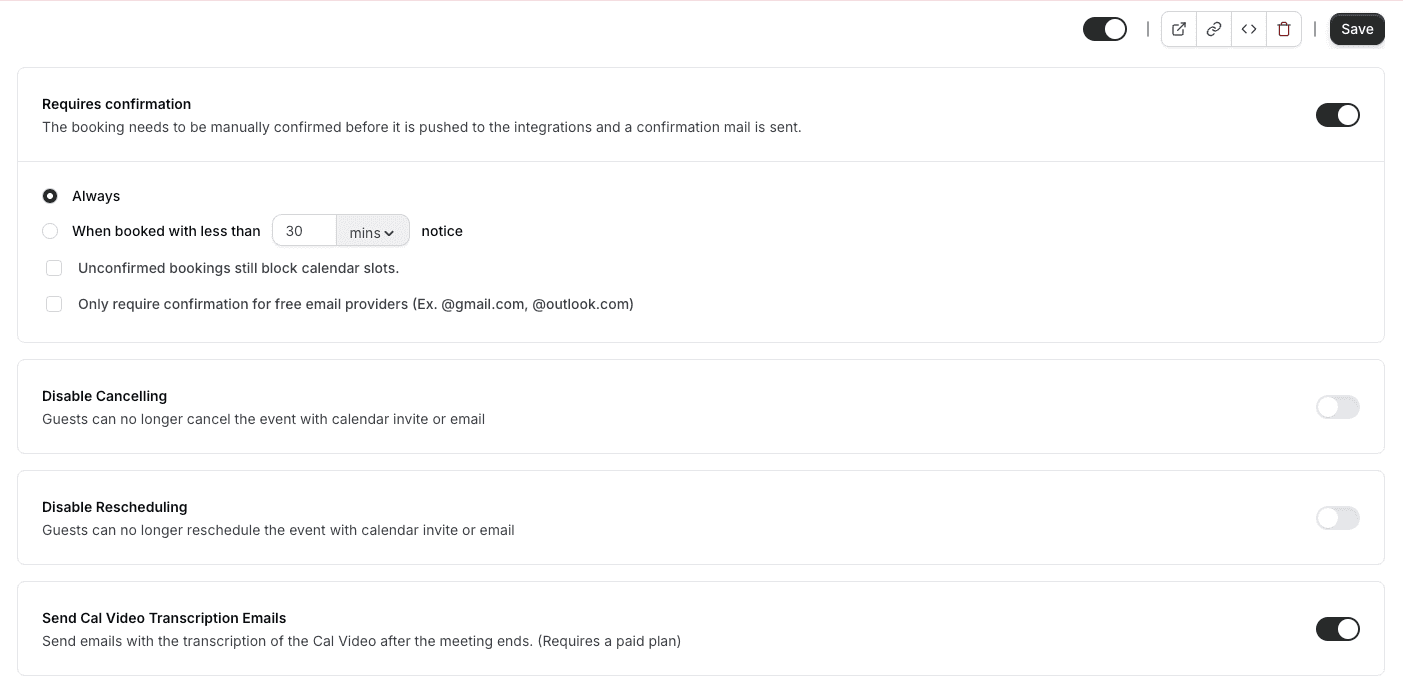
"Requires Confirmation" is a setting you can apply to any event type in Cal.com. When enabled, people can still submit a booking request, but the time slot is only confirmed once you approve it.
This adds a layer of control and is especially useful when you need to:
- Filter incoming meeting requests
- Prioritize high-value or urgent meetings
- Avoid calendar clutter or irrelevant calls
Use cases for enabling Requires Confirmation
1. Reducing spam bookings
If your booking link is public or widely shared (e.g. on your website), you may occasionally attract unwanted meetings. Requires Confirmation ensures that bots or low-quality leads don’t immediately block your time.
2. Qualifying leads or inquiries
Sales teams and consultants often want to assess a lead before committing to a call. Use the confirmation step to review form inputs like company size, budget, or topic before approving the meeting.
3. Managing limited availability
If your calendar fills up quickly or you're only taking a handful of meetings per week, this feature helps you evaluate each request before making a time commitment.
4. Preserving focus and flexibility
For creators, executives, or team leads who need to protect deep work hours, manual confirmation ensures that every meeting you accept truly deserves your time.
How to enable Requires Confirmation in Cal.com
- Go to your Cal.com dashboard
- Navigate to your Event Types
- Create a new event or edit an existing one
- Scroll to the Advanced Settings section
- Toggle on "Requires Confirmation"
- Save and publish your changes
Now, when someone requests a meeting, it will appear as "Pending" in your dashboard until you approve or decline it.
Benefits of using Requires Confirmation
Using this feature helps you:
- Stay in control of your calendar
- Protect your time from spam and irrelevant meetings
- Reduce overwhelm by setting limits and expectations
- Improve meeting quality by reviewing context before you commit
It creates a lightweight vetting process that keeps your schedule intentional and aligned with your goals.
Final thoughts
Not every meeting request deserves a spot on your calendar. With Cal.com’s Requires Confirmation feature, you decide which bookings make the cut. Whether you're protecting your time, qualifying leads, or simply managing workload, this feature adds a valuable layer of control without removing the convenience of online scheduling.
Try it out by updating your event types today, and start building a calendar that reflects your priorities.