
For most medical practices, a missed appointment is a missed opportunity for revenue (about $150-$200 per appointment) and growth. That's why patient scheduling software isn’t a nice-to-have. It’s a must-have for medical practices that want to:
- Automate appointment bookings
- Sends automated reminders
- Manages waitlists
Clinics, hospitals, private practices, and medical spas rely on these systems to improve patient flow, boost appointment adherence, and free up front desk staff from repetitive phone calls.
In this guide, we’ll show you the best patient scheduling software for your practice. We’ll review top contenders like Cal.com, Athenahealth, Luma Health, AdvancedMD, and more.
| Tool | Best For | Starting Price |
|---|---|---|
| Cal.com | All practice sizes, best overall | Free / $12/month |
| Athenahealth | Small to mid-sized practices with full EHR needs | ~ $140/provider/month |
| Luma Health | Patient engagement and recall automation | $250/month |
What to Look for in Patient Scheduling Software
We evaluated these patient scheduling platforms based on factors that matter most to clinical teams and healthcare administrators. This includes:
- Clinical workflow support: Does the system naturally integrate into existing practice operations without creating bottlenecks or requiring workarounds?
- HIPAA level security: All medical scheduling software must safeguard protected health information (PHI) with encryption, signed Business Associate Agreements (BAAs), and audit logging.
- EHR and EMR compatibility: Seamless integration with major electronic health registers (EHRs)/electronic medical records (EMRs), reducing double entry of data.
- Smart booking workflows: Automated SMS/email reminders reduce no-shows; intelligent routing ensures patients see the right provider.
- Ease of use: Complicated interfaces slow down front desk teams. The best platforms require minimal training, allowing staff to focus on patient care rather than navigating complex software.
- Patient self-scheduling: 24/7 online booking system reduces phone volume and gives patients the convenience they expect.
- Mobile access and telehealth support: Mobile apps and video integrations support remote care.
- Customizable booking flows: Routing forms, intake questionnaires, and smart scheduling rules ensure patients see the right provider at the right time.
The 10 Best Patient Scheduling Software for 2026
| Platform | Pricing | Best For | Key Medical Features | Staff Learning Curve |
| Cal.com | Free to Enterprise | All practice sizes | HIPAA compliance, signed BAA, routing forms, and telehealth | Low |
| Athenahealth | $140+/provider/month | Small to mid-sized practices | Full EHR integration, billing sync | Medium |
| Luma Health | $250+/month | Patient engagement focused | AI messaging, recall automation | Low to Medium |
| AdvancedMD | $429+/provider/month | Large multi-specialty practices | Practice management suite | High |
| Acuity Scheduling | $16-$49/month | Small practices, wellness clinics | Simple booking, payment processing | Low |
| SimplePractice | $49-$99/month | Mental health providers | Therapy-focused EHR with telehealth | Low |
| Tebra | Custom pricing | Independent practices | All-in-one with marketing tools | Low to Medium |
| Dr Chrono | Custom pricing | Mobile-first practices | iPad charting, flexible workflows | Medium |
| RXNT | Custom pricing | Smaller practices | EHR with e-prescribing | Medium |
| NexHealth | $299+/month | Dental and medical | Real-time EHR sync, digital forms | Medium |
1. Cal.com
Cal.com is the best patient scheduling software because it's both powerful and easy to use. Unlike older healthcare scheduling systems that take weeks to learn, Cal.com is built for teams that need strong automation without the headaches.

Another reason Cal.com ranks high is that it’s HIPAA compliant on the Organization plan and above. It can also be added on to other plans at a monthly fee. This means it includes signed Business Associate Agreements, encrypted data storage, and secure patient intake workflows. The platform holds SOC 2 Type II certification, which demonstrates its compliance with stringent security standards.
Other patient scheduling features include:
Customizable Intake Forms
Cal.com's Routing Forms collect important details during patient intake, like insurance information, reason for visit, and special needs. These forms work directly with your booking system and connect to your medical records through webhooks and APIs.
Smart Routing
Cal.com directs patients to the right provider based on their condition, location, or language preference. Round-robin distribution spreads appointments evenly across your team, while collective scheduling brings multiple staff members into one consultation.
Automated Patient Reminders
Automatic confirmations and reminders are sent via email, SMS, or WhatsApp at your scheduled time. Patients get links to reschedule or cancel, and you can set buffer times and minimum notice requirements.
Telehealth Session Scheduling
You can use Cal.com’s proprietary Cal Video, Zoom, or Google Meet for virtual appointments. Video links are automatically created when patients book, so there's no last-minute setup needed.
Billing and Payment Workflows
Cal.com supports integrated patient billing flows through secure payment links and platform integrations. Clinics can collect co-pays during booking, charge for telehealth sessions, or request outstanding balances before an appointment begins.
With Cal.com, you can set up workflows in minutes, allowing your team to focus on what matters most—patient care.
Pricing
Free. Paid plans start at $12/month.
Why Cal.com Stands Out in 2026
Cal.com fixes the primary issue with healthcare scheduling: it's too complicated. Most medical scheduling platforms require you to adapt how you work to fit their system. Cal.com lets you design workflows that match how your practice actually operates.
While Cal.com does provide the possibility to self-host, their hosted solutions are also fully HIPAA, GDPR, CCPA, ISO 27001, and SOC 2 compliant. This makes it the best choice for those looking for an easy-to-use yet secure patient scheduling software.
I love using Cal.com because it effectively handles my need for booking sales calls. The seamless calendar connection and matching are invaluable features that simplify scheduling. The integration with Gmail and Framer websites further extends its utility. Price and the absence of paywalls were pivotal reasons for switching from TinyCal and Calendly to Cal.com, and I couldn't be happier with this decision. Overall, Cal.com offers a straightforward, efficient, and non-intrusive service, making it an indispensable tool for my scheduling needs. — User Review
2. Athenahealth
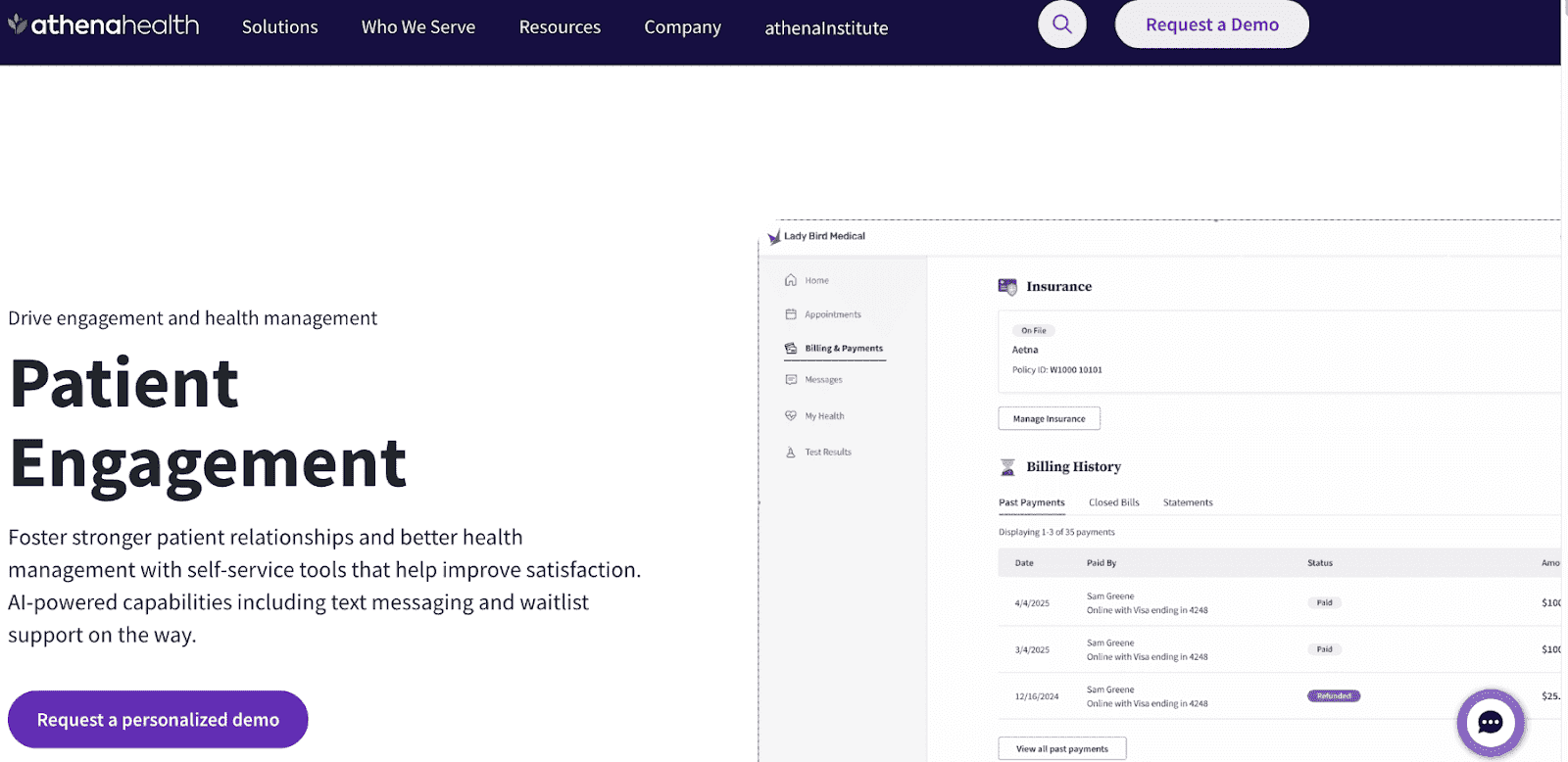
Athenahealth (athenaOne) is a comprehensive cloud-based system that combines EHR, practice management, and billing in one place. It's designed for outpatient care.
The color-coded drag-and-drop scheduler enables front desk staff to manage appointments easily. The patient portal allows patients to book appointments, refill prescriptions, send secure messages, and update their personal information.
Pros
- Full EHR, billing, and scheduling in one system
- Patient portal with self-service options
- Good fit for outpatient care workflows
Cons
- Expensive starting price ($140+/provider/month)
- Heavier implementation and training requirements
- Less flexible for practices that already have an EHR
Pricing: Starts at about $140 per provider per month.
3. Luma Health
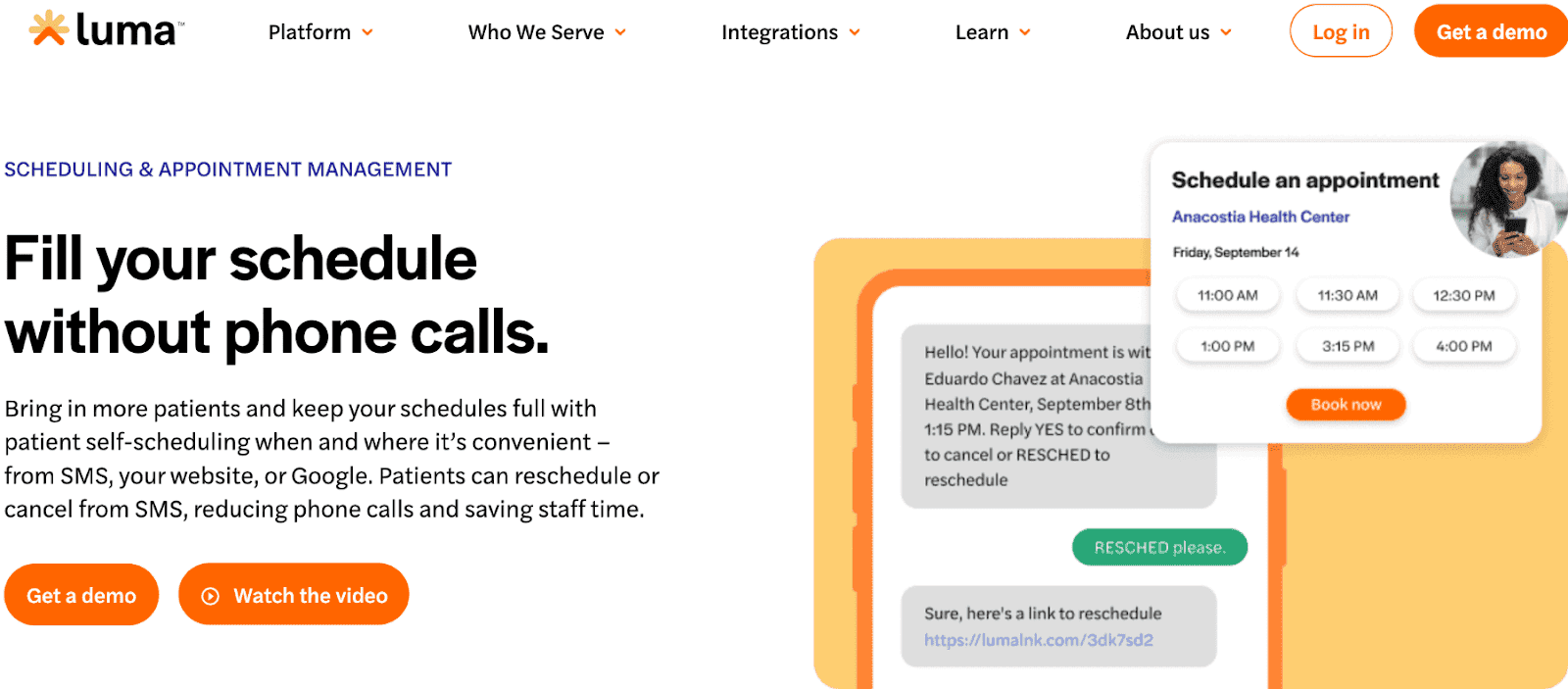
Luma Health is a patient engagement platform focused on the digital front door. It emphasizes automated patient outreach, recall management, and conversational AI to keep schedules full.
Luma uses natural language processing and AI-assisted translation to enable messaging with emojis, natural responses, and 30+ languages. Smart waitlist functionality automatically offers cancelled appointment slots to patients waiting for that exact appointment type.
Pros
- AI-powered messaging and recall automation
- Multilingual support (30+ languages)
- Waitlist management
Cons
- Higher starting price for what is primarily an engagement layer
- Not a full practice management system
- Requires integration with an existing EHR
Pricing: Starts at $250 per month.
4. AdvancedMD

AdvancedMD is a comprehensive cloud-based patient scheduling software that combines EHR, practice management, and scheduling in a single system. It's designed for multi-specialty clinics and larger practices.
Features include a color-coded, drag-and-drop scheduler, automated insurance checks, built-in billing and claims tracking, and a mobile app for providers.
Pros
- Full-featured practice management suite
- Billing and insurance workflow support
- Handles complex multi-specialty scheduling
Cons
- High cost
- Significant training and onboarding required
- Can be overpowered for smaller or single-specialty practices
Pricing: Starting at approximately $429 to $729 per provider per month.
5. Acuity Scheduling

Acuity Scheduling is a straightforward patient scheduling software owned by Squarespace. It's designed for smaller medical and wellness practices.
The platform supports online payment processing through Stripe and Square, allowing you to collect copays at booking. Automated reminders reduce no-shows, while intake forms collect patient information before appointments.
Pros
- Easy to set up and use
- Payment collection built in
- Affordable starting price
Cons
- HIPAA compliance requires the highest-tier plan
- Limited audit logging and access controls
- No real EHR integration
Pricing: Paid plans start at $16/month. HIPAA compliance is only available on the highest plan ($49/month).
6. SimplePractice
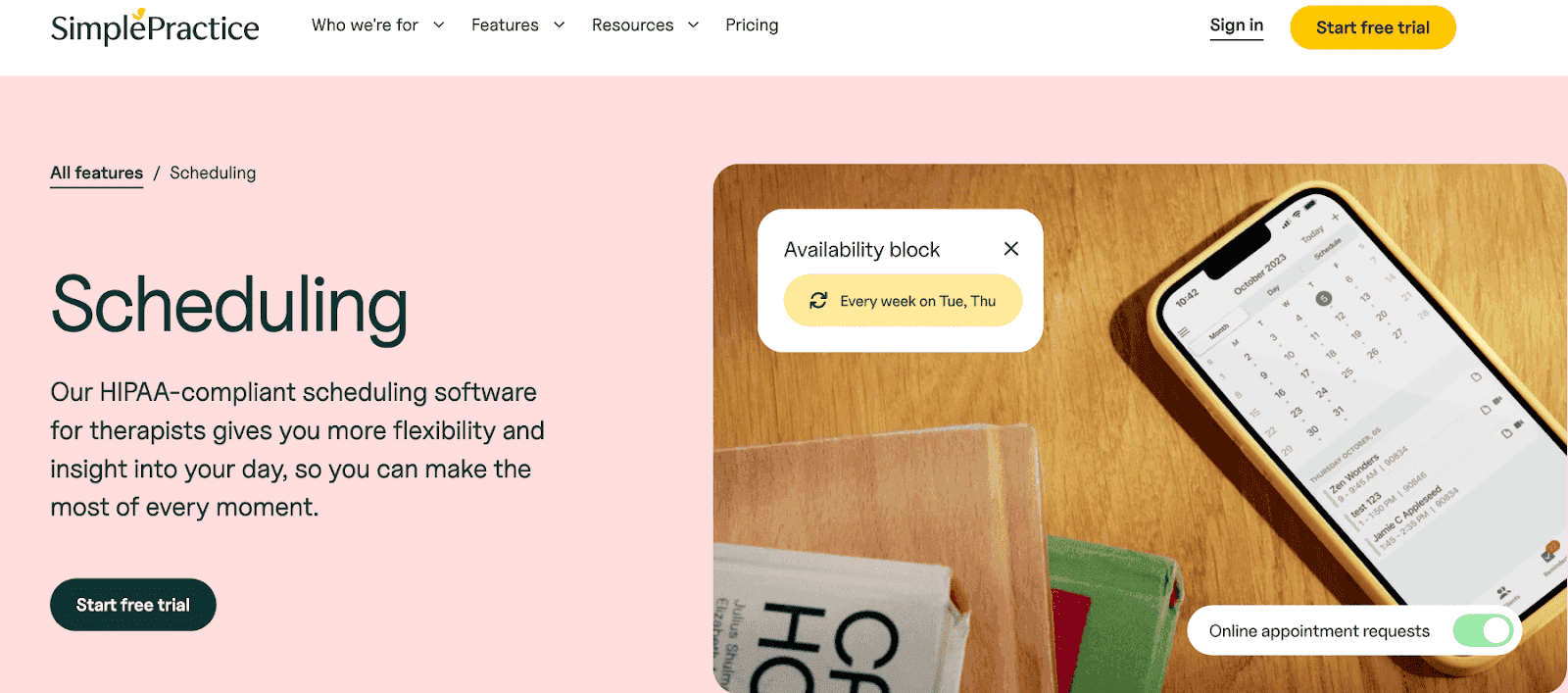
SimplePractice is patient scheduling software built specifically for mental health professionals, therapists, and wellness providers.
You can conduct HIPAA-compliant video sessions directly through the platform, eliminating the need to juggle multiple tools. Customizable templates for progress notes and assessments save time on documentation. Patients get 24/7 portal access to book appointments, send secure messages, and manage their billing.
Pros
- Native mental health workflows
- Built-in HIPAA-compliant telehealth
- Integrated billing and documentation
Cons
- Not well-suited outside of therapy/counseling use cases
- Features are locked behind higher-priced plans
- Limited multi-provider and multi-location support
Pricing: Paid plans start at $49/month.
7. Tebra
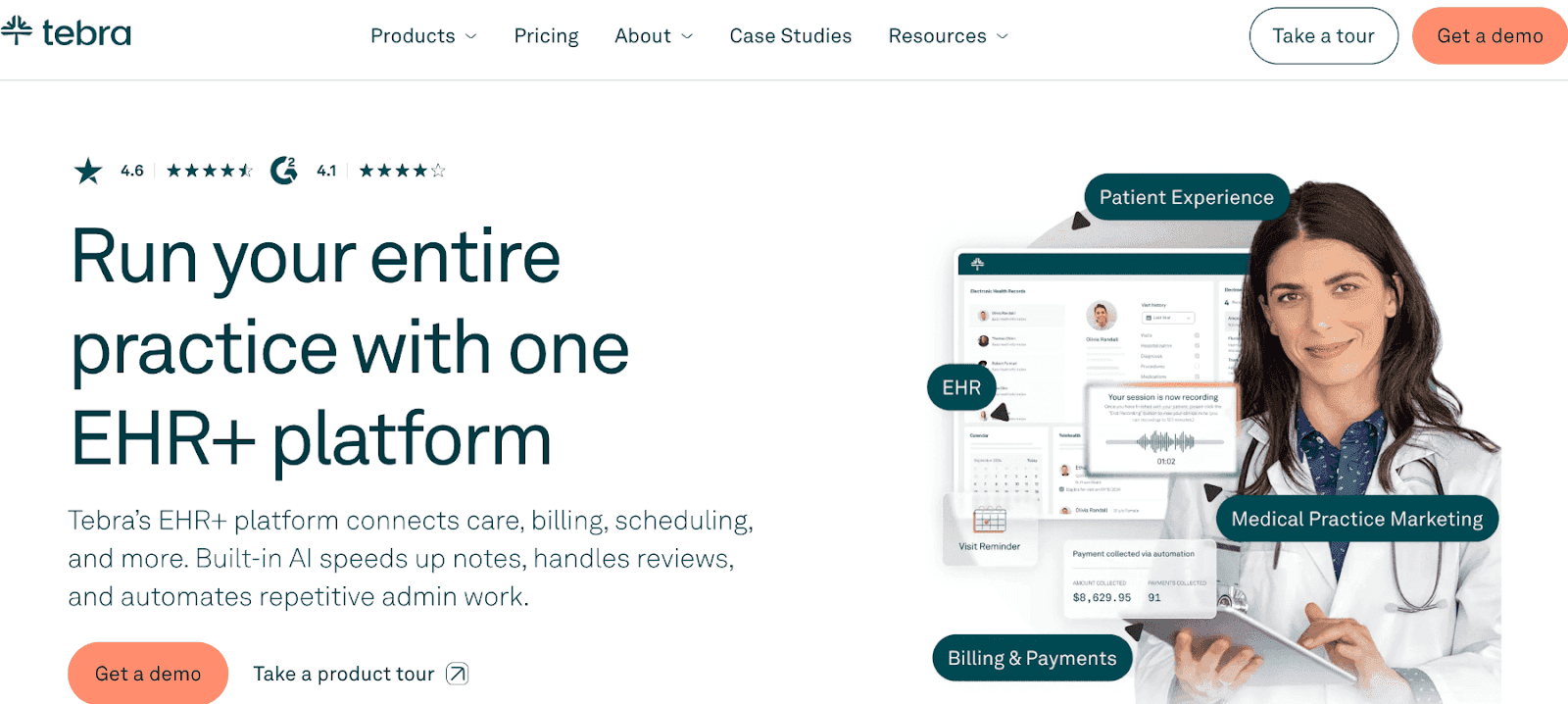
Tebra (formerly Kareo and PatientPop) combines EHR, practice management, billing, and patient engagement in one place. Built for independent practices, the scheduler offers calendar views by day, week, or month.
You can customize calendars with color-coded appointments and drag-and-drop functionality. Your patients have access to a secure portal where they can book appointments, send messages, pay bills, and view their records. Tebra also includes marketing tools to help bring in new patients.
Pros
- All-in-one with built-in practice marketing
- Good patient portal experience
- Reasonable learning curve for the feature set
Cons
- Custom pricing adds unpredictability
- Marketing features may be unnecessary overhead for referral-driven practices
- Feature depth varies depending on which legacy platform (Kareo vs PatientPop) the account migrated from
Pricing: Custom pricing based on practice size.
8. Dr. Chrono
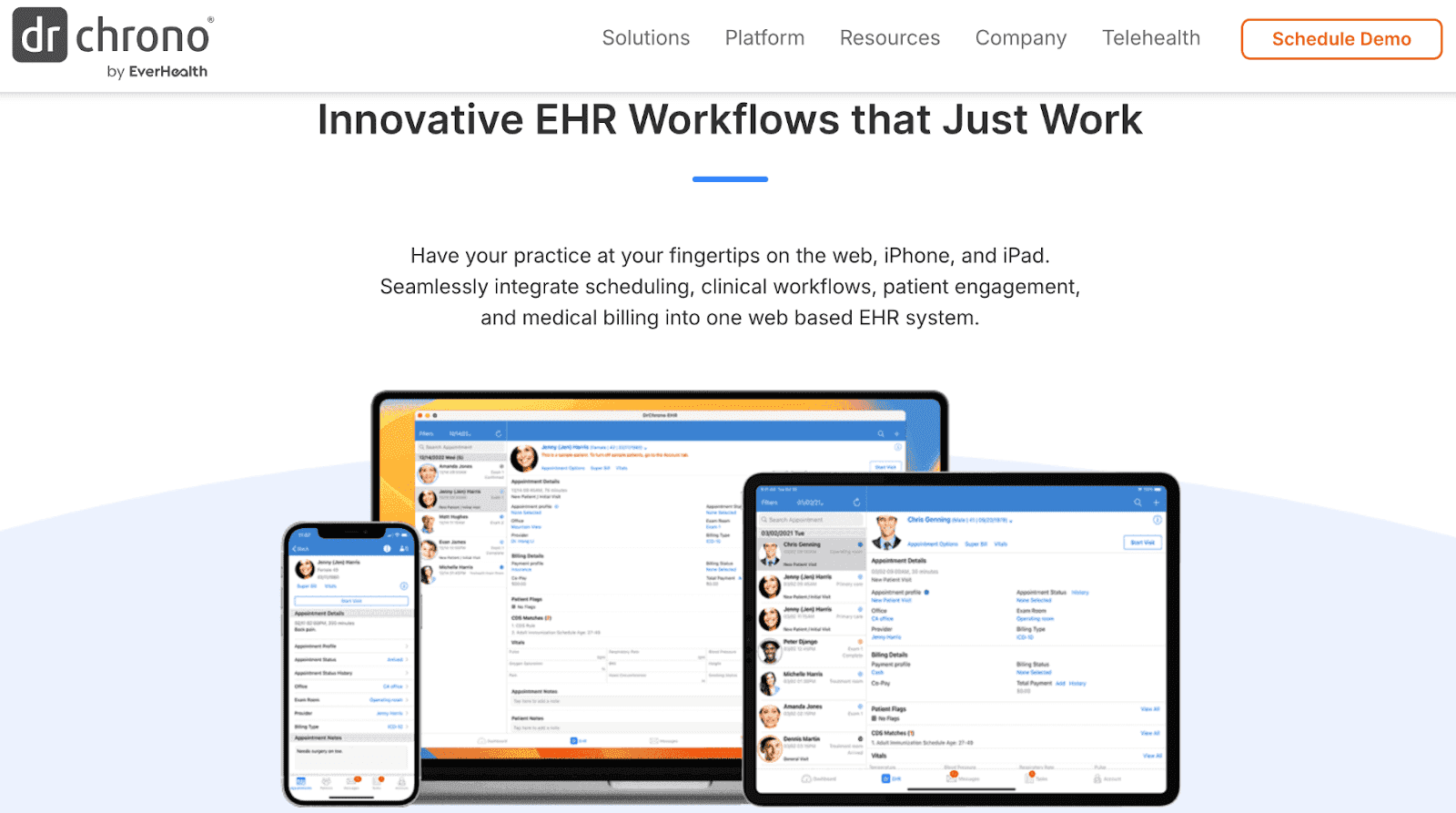
Dr Chrono is a comprehensive practice management system with mobile-friendly clinician tools. The iPad-first design lets clinicians chart, prescribe, and schedule from mobile devices.
Patient scheduling includes automated reminders, waitlist management, and patient self-scheduling through a branded portal. Real-time eligibility checks verify insurance before appointments.
Pros
- Mobile and iPad experience
- Real-time insurance eligibility verification
- Flexible charting workflows
Cons
- Custom pricing with limited upfront transparency
- Medium learning curve for staff
- Less suited to fixed-desk, high-volume front desk operations
Pricing: Custom pricing based on practice size.
9. RXNT

RXNT is a simple practice management and EHR system built for smaller practices. Scheduling features include appointment reminders by email and text, color-coded appointment types, and recurring appointments.
Since scheduling is integrated directly with RXNT's EHR, appointment information is automatically updated to patient charts. E-prescribing, billing, and a patient portal are all included.
Pros
- E-prescribing included natively
- Simple, clean scheduling interface
- Scheduling syncs directly with patient charts
Cons
- Limited advanced scheduling features
- Customization is restricted compared to API-first platforms
- Custom pricing without upfront transparency
Pricing: Custom pricing based on practice size.
10. NexHealth
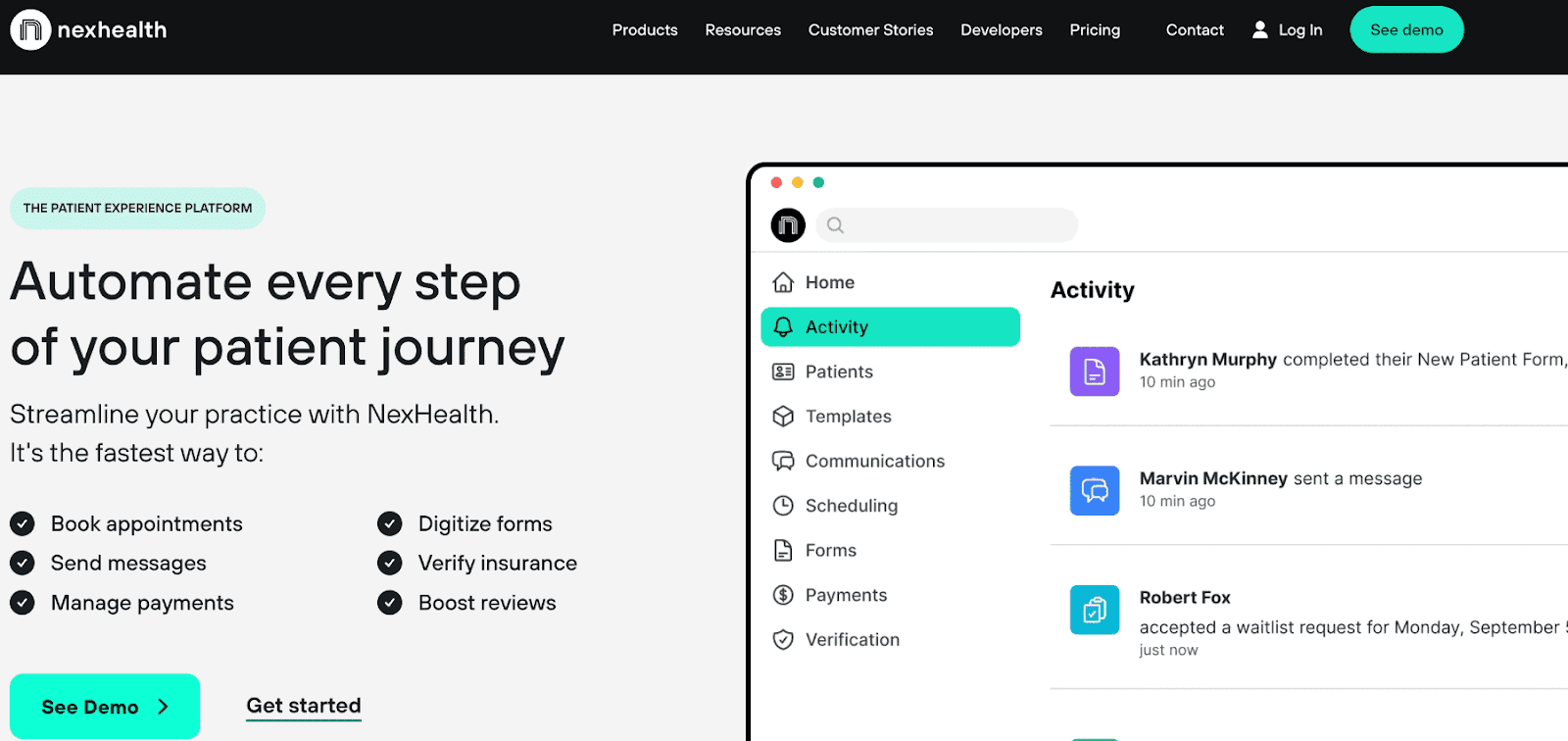
NexHealth is a patient scheduling platform built for dental and medical practices that need a real-time EHR connection. The scheduling system syncs directly with popular practice management systems.
Automated recalls and reminders help reduce no-shows, while online booking lets patients schedule appointments at any time. Insurance verification tools make front desk work easier, while the automated waitlist feature fills last-minute cancellations.
Pros
- Real-time EHR sync with major practice management systems
- Strong automated recall and waitlist management
- Solid digital forms and patient communication tools
Cons
- High starting price ($299/month)
- Less flexible for practices not relying on supported EHR systems
- Limited customization outside of EHR-connected workflows
Pricing: Paid plans start at $299 per month.
Best Software by Use Case
Choosing the right tool depends as much on your practice type as it does on your feature checklist. Here's how the top platforms map to real clinical environments:
Best for Larger Practices
Cal.com and Athenahealth are the strongest options. Athenahealth provides deep billing integration and specialty-specific workflows within its native EHR. Cal.com handles the scheduling layer with far more flexibility. It supports multi-location routing, team-based availability, and API integrations with whatever EHR the practice already uses.
Best for Solo Clinicians
Cal.com delivers powerful scheduling without the complexity or cost that comes with enterprise-tier platforms. SimplePractice is also an alternate choice specifically for solo therapists and mental health providers who want scheduling, notes, and billing in one place.
Best for Medical Spas
Cal.com and Acuity Scheduling are the natural fits. Both support service-based booking, payment collection at time of booking, and customizable booking pages. Cal.com adds better routing and intake logic for practices with multiple service types or providers.
Best for Telehealth
Cal.com stands out for its native integration with 16+ video platforms, automatic link generation, timezone detection, and browser language matching. This makes it well-suited for multi-timezone and multilingual virtual care practices. SimplePractice includes a built-in video tool that works well for therapy-focused practices that don't want to manage a separate video platform.
Best for Fast Onboarding
Tebra and Cal.com are the fastest to implement. Cal.com can be configured in days rather than weeks, with a low training burden for front desk staff. Tebra's combined platform also onboards relatively quickly given the breadth of what it covers.
Best Value
Cal.com offers the broadest enterprise-grade feature set at the most transparent price point. It's starts with a generous free plan and scales predictably. Acuity Scheduling is the most affordable option for basic scheduling needs in wellness and low-complexity clinical settings.
Expert Verdict
Cal.com stands out as the best patient scheduling software because it solves the fundamental problem that plagues healthcare IT: inflexibility. Traditional medical scheduling platforms force practices into rigid workflows and expensive vendor lock-in. Cal.com's open-source architecture gives practices complete control over their scheduling infrastructure without compromising enterprise security or HIPAA compliance.
Here’s what Navi, a Cal.com customer with 1,000+ employees, says:
“At Navi, we help people access mental and behavioral health care. Protecting personal health information is A non-negotiable for us—so choosing Cal.com for scheduling just makes sense.”
FAQs on Best Patient Scheduling Software
What is patient scheduling software?
Patient scheduling software is a digital platform that automates appointment booking, manages provider calendars, sends automated reminders to reduce no-shows, and integrates with EHR and EMR systems.
Is Cal.com HIPAA compliant for healthcare?
Yes. Cal.com offers HIPAA-compliant enterprise plans with signed Business Associate Agreements (BAAs), encrypted data storage, and SOC 2 Type II certification.
Do these platforms support telehealth appointments?
Yes. Cal.com integrates with 16+ video platforms, including Zoom, Google Meet, and Cal Video. SimplePractice includes built-in telehealth.
Can patients schedule their own visits online?
Yes. All platforms listed support patient self-scheduling through booking links, embedded widgets, or patient portals.
Do these tools integrate with EHR or EMR systems?
Yes. Platforms like Athenahealth and AdvancedMD include built-in EHRs. NexHealth specializes in real-time EHR sync. Cal.com offers flexible integrations through webhooks and APIs.
Which software reduces no-show rates the most?
Cal.com excels at reducing no-shows through automated SMS and email reminders, easy rescheduling options, and confirmation workflows.