

Why team-wide availability matters
Coordinating meetings across an entire team can be a logistical headache - especially in remote and hybrid work environments. Cal.com simplifies this by letting you centralize team scheduling into one shared workspace. Whether it’s for client calls, internal syncs, or on-call rotations, you can ensure that availability is transparent, up-to-date, and easily bookable.
Step 1: Create your team in Cal.com
Start by setting up your team on Cal.com. From your dashboard:
- Go to Teams in the navigation menu.
- Click Create New Team and give it a name.
- Assign a team admin (typically the team lead or operations manager).
Creating a team gives you a centralized hub where all team members can be managed, and their calendars synced.
Pro tip: You can configure advanced settings like time zones, buffer times, and meeting duration defaults at the team level.
Step 2: Set up shared event types
Next, create event types that represent the kinds of meetings your team needs to handle. These could include:
- Sales demos
- Support calls
- Weekly team syncs
- Interviews
For each event type, you can define:
- Duration
- Meeting location (e.g., Zoom, Google Meet, or in-person)
- Routing logic (e.g., round robin or collective availability)
- Availability rules
Tip: Shared event types ensure consistent branding, meeting structure, and scheduling rules across your team.
Step 3: Invite your team and collect individual availability
With your team and event types in place, it’s time to invite team members. Each member can then:
- Connect their personal calendars (Google, Outlook, iCloud, etc.)
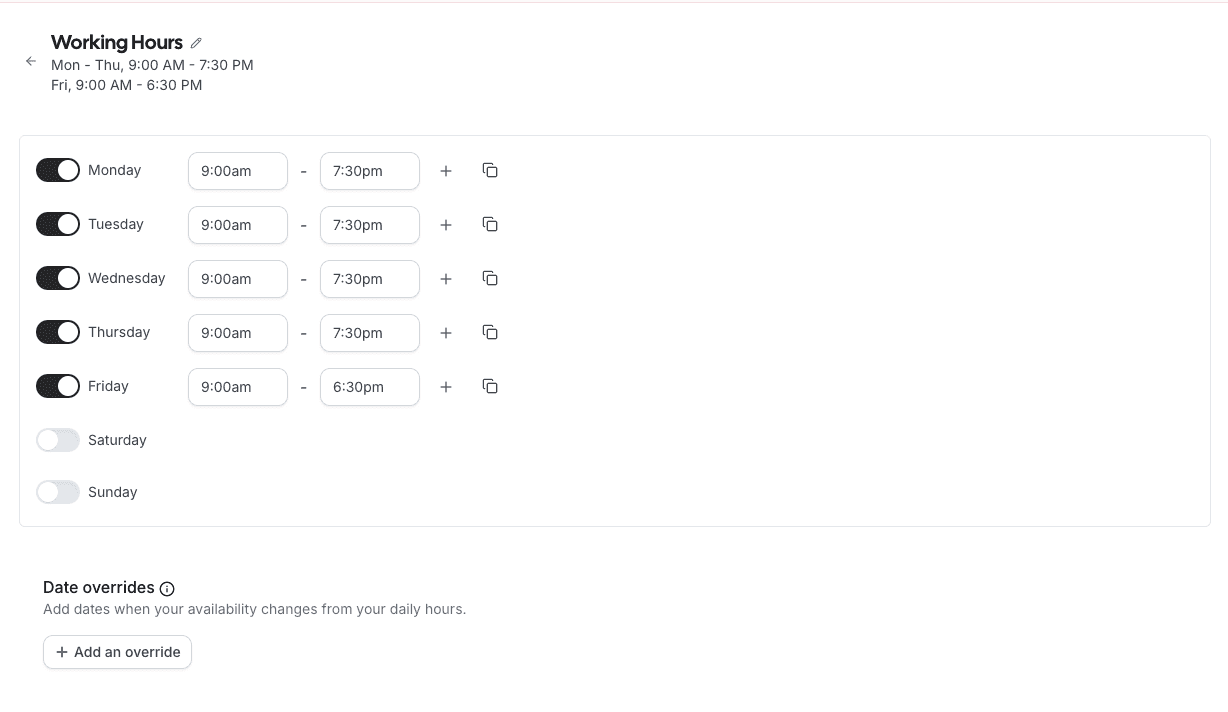
- Define their working hours and preferred availability
- Block off time for breaks, focus work, or personal commitments
Their availability is then automatically factored into the team’s scheduling logic.
Cal.com makes this step seamless:
- Each invite includes clear instructions.
- Availability can be edited anytime.
- Privacy is respected—only availability is shared, not calendar details.
Timeline view for real-time team visibility
Once your team is active, use the Timeline View to see availability across the group in real time. This helps with:
- Scheduling internal meetings more efficiently
- Identifying overlapping open slots
- Balancing workload and preventing burnout
Whether you’re a manager trying to coordinate a quick huddle or a teammate booking a peer session, Timeline View makes it easy to find time without the guesswork.
Automate scheduling with routing logic
Cal.com supports advanced features like round robin and priority-based routing. For example:
- Rotate support calls among available agents.
- Assign leads based on territory or role.
- Route bookings to whoever is next available.
This automation ensures equitable distribution of meetings and helps avoid scheduling bottlenecks.
Final thoughts: The future of team scheduling
Managing team-wide availability doesn’t have to be a hassle. With Cal.com, you get a streamlined, privacy-friendly, and scalable way to coordinate your team’s time.
If you're ready to eliminate back-and-forth emails and create a seamless booking experience, start building your team on Cal.com today.