

coss.com/ui launch
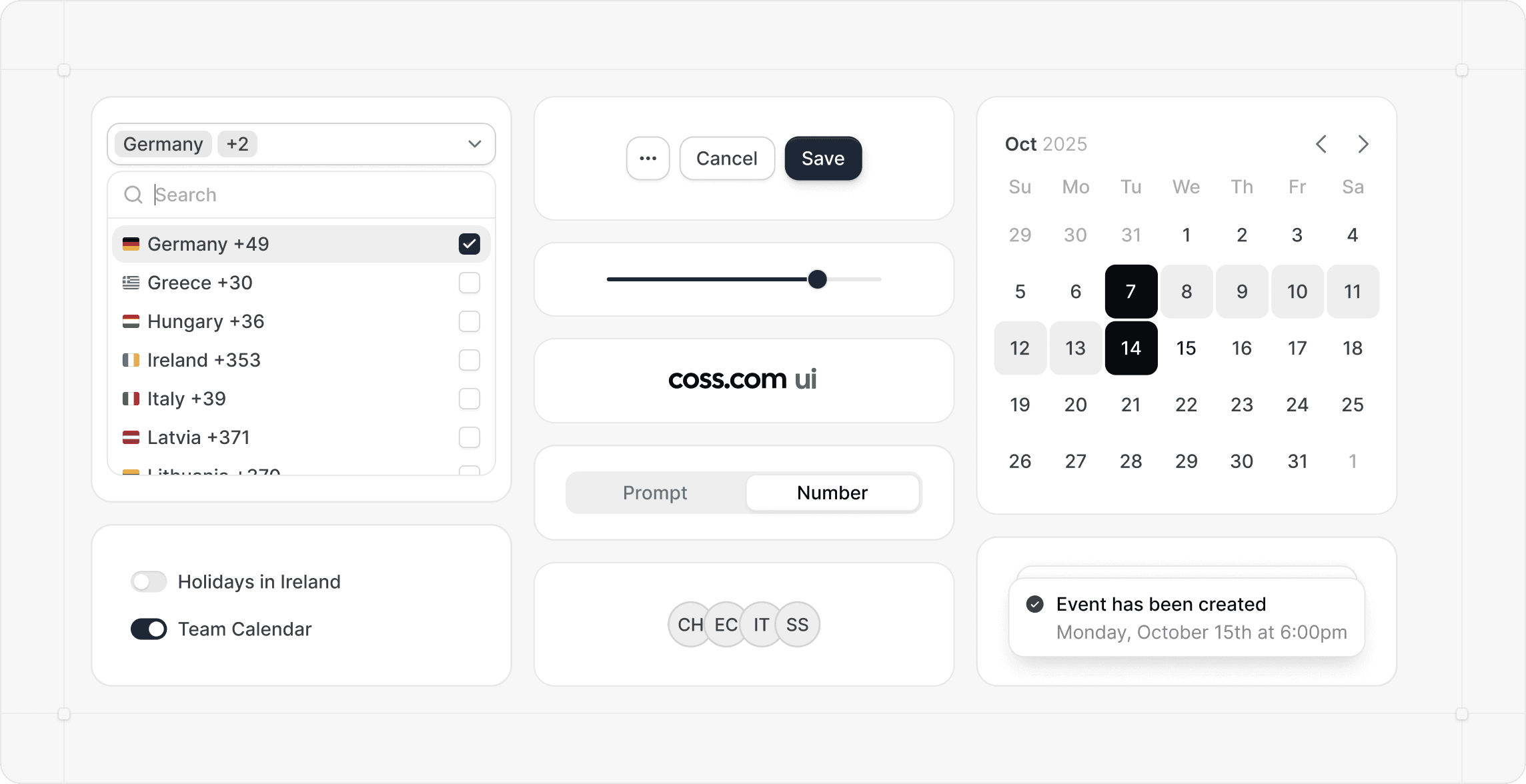
We’re thrilled to share something big we’ve been working on - coss ui is here! It’s our new component library built on top of Base UI and styled with Tailwind CSS. You can use it to build fast, accessible interfaces with clean, flexible building blocks. Every piece is open and easy to customize, no hidden logic or guesswork. We designed it to power Cal.com’s future UI, but it’s built for anyone who loves great design and clean code. You’ll find primitives, particles, and atoms ready to drop into your own projects. It’s simple, modern, and fun to use. We can’t wait to see what you create with it.
coss.com ui is currently in early development. We're building this library in the open and actively working on new components and features. Base UI itself is also in beta so you may encounter breaking changes as both projects evolve. We recommend using this in projects where you're comfortable adapting to changes.
coss.com ui launching on Product Hunt – Upvote if you love it!
We’re thrilled to announce that coss.com ui, our new open-source component library built with Base UI and styled with Tailwind CSS, is now live on Product Hunt! If you’re passionate about clean, modern design and flexible, accessible interfaces, we’d love your upvote to help others discover the power of coss.com ui for their projects.
Upvote coss.com ui on Product Hunt!
Roles and permissions
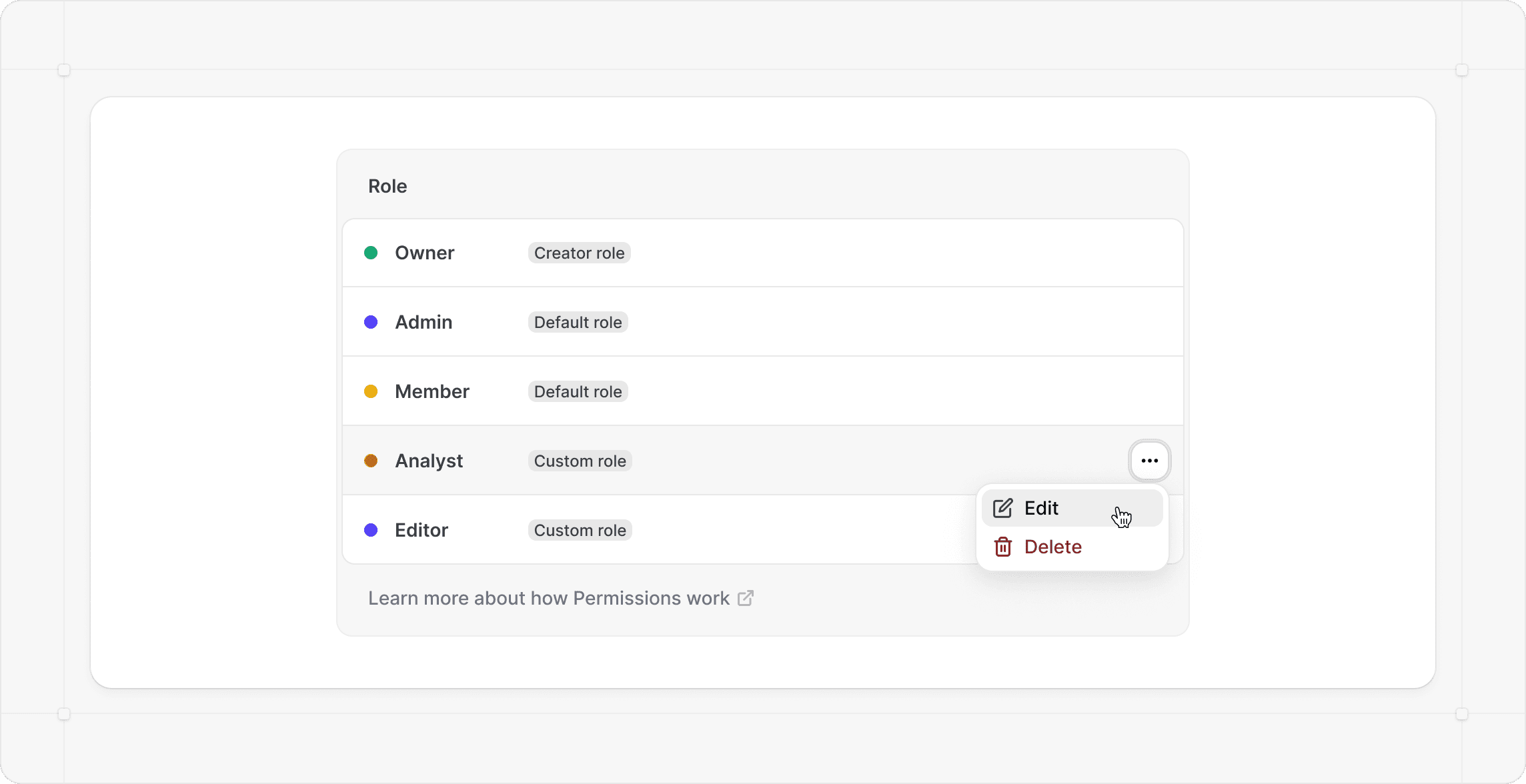
We’re excited to introduce custom roles and granular permissions for Cal.com organizations. You can now shape access exactly how your team works. Create roles that fit your org structure, assign precise permissions, and keep everything secure by limiting what each person can see or do. Want a billing specialist who can handle invoices but not touch admin settings? Give them a custom role with only the “Manage billing” permission. It’s that simple. This update makes team management cleaner, safer, and more flexible. If you’re on the Organization plan, you can access this today!
New safety and security features
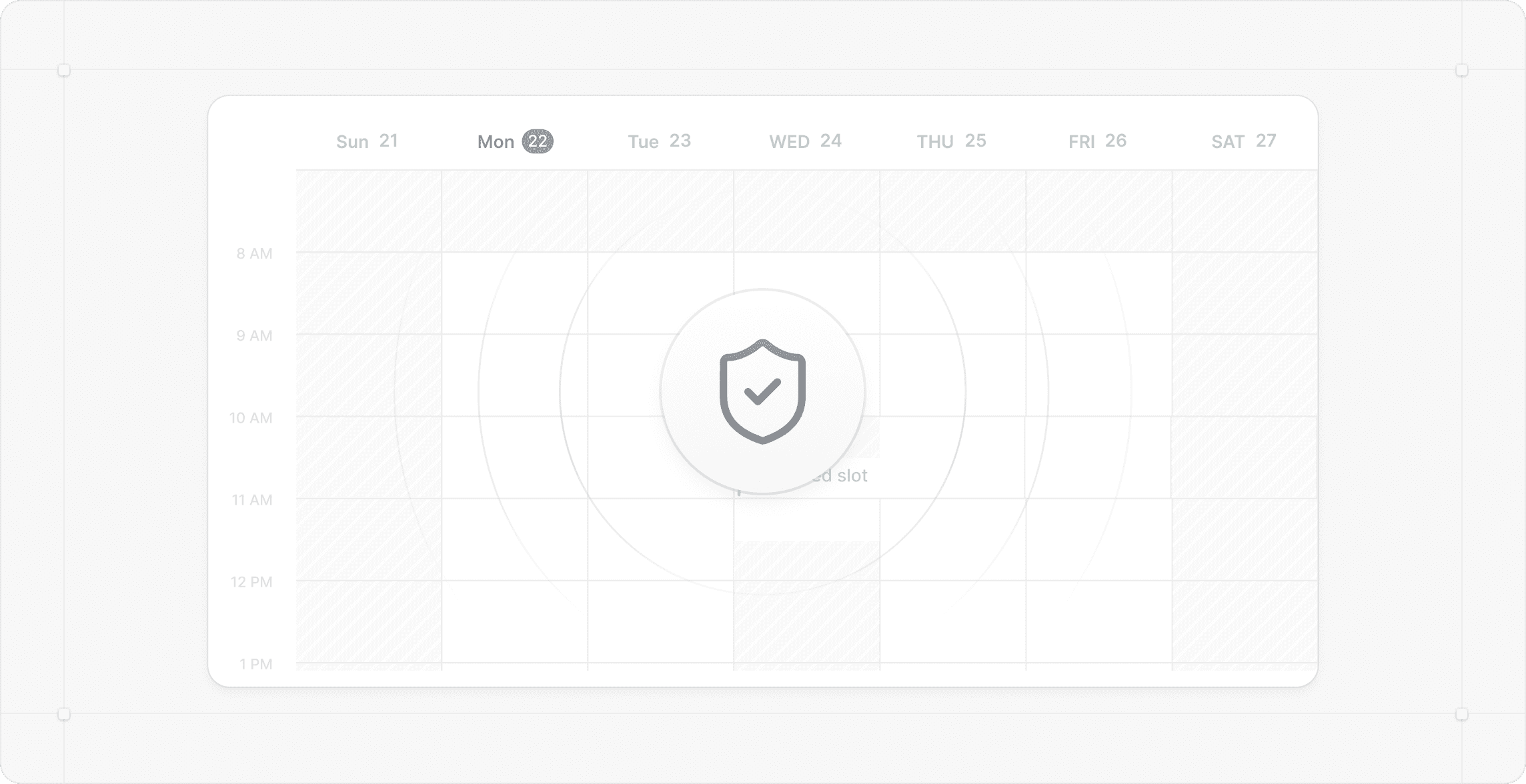
We’re adding new tools to help you keep unwanted bookings out of your calendar. You can now report suspicious bookings, block specific emails or whole domains, and prevent others from using your email on any Cal.com booking page. When a booking is reported, it’s flagged and automatically cancelled, so it doesn't clutter your upcoming bookings. Admins can review reports, ignore or block offenders, and even add blocklist entries directly. Blocked users won’t be notified, so your team stays safe without alerting bad actors.
Reporting and blocking emails will reside in Settings → Privacy & Security → Blocklist - and will give your organization better protection, less spam, and more control over who can book with you. The feature to prevent others from using your email will be under Settings → My-account → General.
New features
- We’ve added a new feature that allows you to set custom add-on prices in booking questions. #19997
- We’ve added the inbound calls to Cal.ai. #23890
- We now support changing the Voice and Language for you Cal.ai voice agent #23865
- We’ve added a new workflow trigger for when a routing form is submitted #23704
- We’ve added another workflow trigger that triggers X minutes after a form was submitted but no bookings was created #23716
- We’ve added a date and time column to the insights data export. #23771
- We added an option to choose the target date for the insights data, it can either be the created at timestamp or the bookings start time. #23735
Improvements and fixes
- We’ve fixed an issue where timezones with a 30-minute offset (e.g. Asia/Kolkata, GMT+5:30) had an incorrect 30-minute buffer added. #24087
- We’ve fixed the feature that allows you to reschedule the last upcoming booking when only a limited number of upcoming bookings are allowed. #23717
- We’ve fixed an issue where organization banners disappeared when updating the settings. #24106
- We’ve fixed an issue where org admins couldn’t remove members from org teams they weren’t part of. #24020
- We’ve fixed an issue where the phone number booking question wasn’t removed from the form when the Cal.ai workflow was deleted. #23901
- We’ve made some fixes to the rescheduling flow for bookings with seats. #23987
- We’ve fixed an issue where reassignment emails were still sent even when all standard emails were disabled. #23906