

It goes beyond just scheduling; the best scheduling apps today offer platform integrations, handle reminders, and automatically sync across devices. But which scheduling app do you choose? That’s where we come in. We tested the most popular scheduling apps in the market today and ranked them based on features, usability, automation, and integrations. And the best part? You’re right on schedule to check out the 12 best scheduling apps for 2026, ranked for you.
What Makes a Great Scheduling App?
The defining factor of a great scheduling app is customization and flexibility. Based on your requirements, the scheduling software you choose should have all or most of these features.
Smart Availability: A great scheduling app understands when you’re truly free. It considers time zones, buffer times, and focus hours to ensure your schedule never overwhelms you.
Calendar Syncing: Your scheduling app should automatically sync your calendar across all devices, so you’re always on track with your up-to-date schedule.
Online Booking: The online booking system allows you to save time and streamline everything from client calls to team meetings without all the back and forth.
Time-blocking: To unwind, work with focus, or just run errands without having to be in meetings at all times, you can block off time during your day.
Team Scheduling: Directly view your team’s availability and set up meetings without the need for rounds of emails.
Automation: Your time management software must send reminders to all parties, send meeting confirmations, and trigger workflows to automate repetitive tasks.
Integrations: Flexibility and native integration with the apps already in your workflow, like Zoom, Slack, or Stripe, are a cornerstone for a great scheduling app.
Mobile Experience: If you’re not working from a desk all day, a robust mobile experience is crucial for your digital calendar app.
Customization: It allows you to tweak the tool to fit your workflow perfectly, making it a non-negotiable feature for great scheduling apps.
Security and Data Protection: Data security standards define whether a scheduling tool is usable for many professions, like medical professionals, therapists, or attorneys.
Specialty Use Cases Business, Personal, Employee Scheduling: Top scheduling apps today offer tailored services on top of meeting scheduling, like project scheduling software and staff scheduling software.
The 12 Best Scheduling Apps Ranked (Quick Summary Table)
| Scheduling App | Pricing | Best Feature | Ideal Users | Automation Level | Ease of Use |
| Cal.com | Free, Team plan starts at $12 per month | Feature-rich, complete scheduling infrastructure API-first infrastructure | Creators, teams, businesses, agencies, and clinics | High | Easy |
| Calendly | Free, Standard plan starts at $12 per month | Ready to set up quickly | Individuals and small teams | Low | Easy |
| Salesmate | Basic paid plan starts at $23 per user, per month | Google Calendar and Microsoft Outlook sync | Sales-focused scheduling teams | Moderate | Medium |
| Acuity Scheduling | Starter plans start at $20 per month | No show protection | In-person service-based businesses | Low | Medium |
| Doodle | Free for individuals, Pro plans start at $14.95 per month | Polls for meeting availability | Small teams | Low | Easy |
| Jotform Appointments | Free, Paid plans start at $34 per month | Advanced form builder capabilities | Individuals and small teams | Moderate | Easy |
| Square Appointments | Free, Plus plan starts at $49 per month | Integration with the Square ecosystem | In-person service-based businesses | Low | Hard |
| HubSpot Meeting Scheduler | Free | Integration with HubSpot CRM | Sales teams | Low | Medium |
| Zoho Bookings | Basic Subscription plan starts at $5.38 per month | Integration with Zoho App Suite | Small businesses | Moderate | Hard |
| Google Calendar (with Appointment Scheduling) | Free | Integration with Google Workspace | Personal use | Low | Easy |
| Microsoft Outlook Calendar + Booking | Comes with a full Microsoft 365 Subscription | Microsoft 365 and Outlook Calendar integration | Enterprise-level businesses | Moderate | Hard |
| Setmore | Free for up to 4 users, Pro plan starts at $12 per month | Beginner-friendly | Freelancers | Low | Easy |
Cal.com
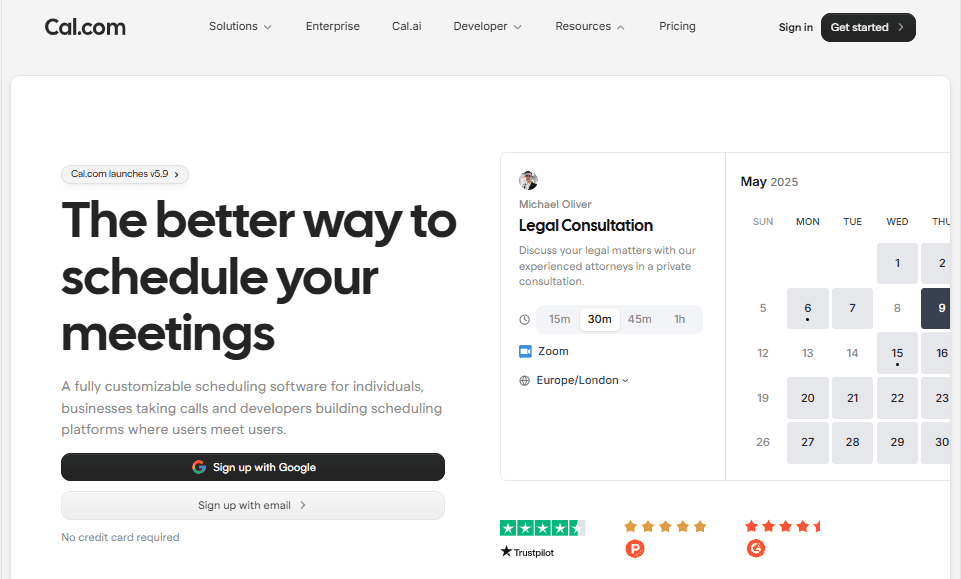
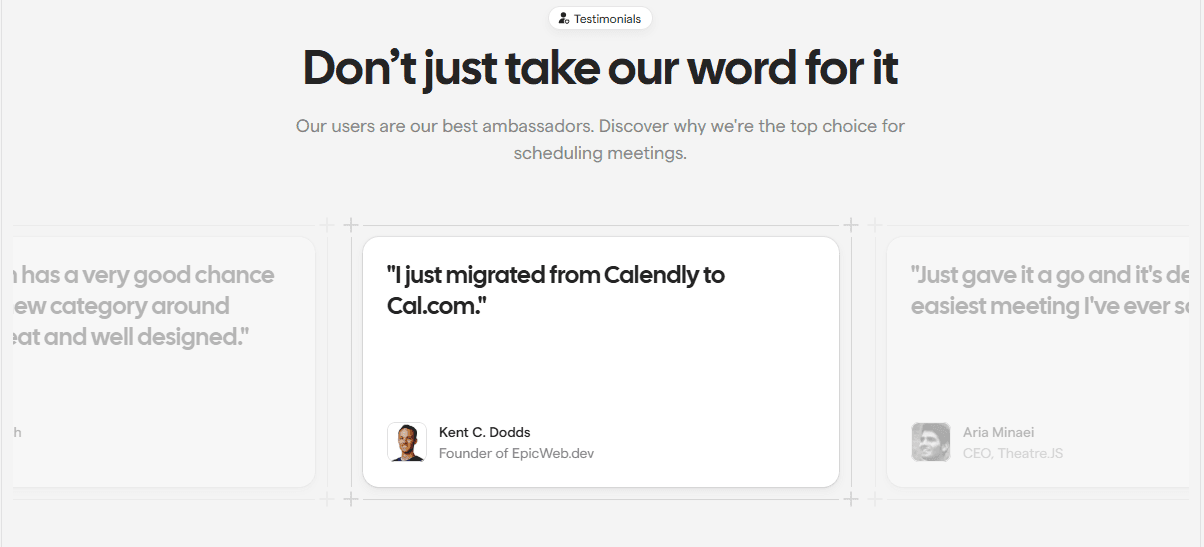
Cal.com ranks #1 because it's the most customizable and robust scheduling software in the market. Even experts agree, according to Alex and Andra from Efficient App, “Cal.com is truly the most impressive, flexible, and modern meeting scheduler on the market.”
The clean UI design and ease of setting up are genuinely one of the top reasons Cal.com ranks the highest. Not only is it easy to set up, but Cal.com is also open source. Additionally, Cal.com provides the best-in-class data security on both non-hosted and hosted plans, ensuring all Cal.com plans (both free and paid) are HIPAA compliant.
On top of privacy and data security, Cal.com also provides crucial features like multi-calendar syncing, online booking systems, and smart availability. These features integrate seamlessly into smart scheduling workflows for every professional, from creators and teams to businesses, agencies, and even clinics.
Pros
- Open and extensible source platform
- API-first infrastructure on all Cal.com plans
- Supports advanced automations and team workflows
- Multi-calendar sync streamlines booking availability
- Clean interface and mobile-friendly design
Limitations
- Self-hosting requires IT support and initial setup
- Advanced features may be overwhelming for beginners
Pricing
Free for individuals, team plans start at $12 per month.
Best For
Creators, teams, businesses, agencies, and clinics.
Calendly
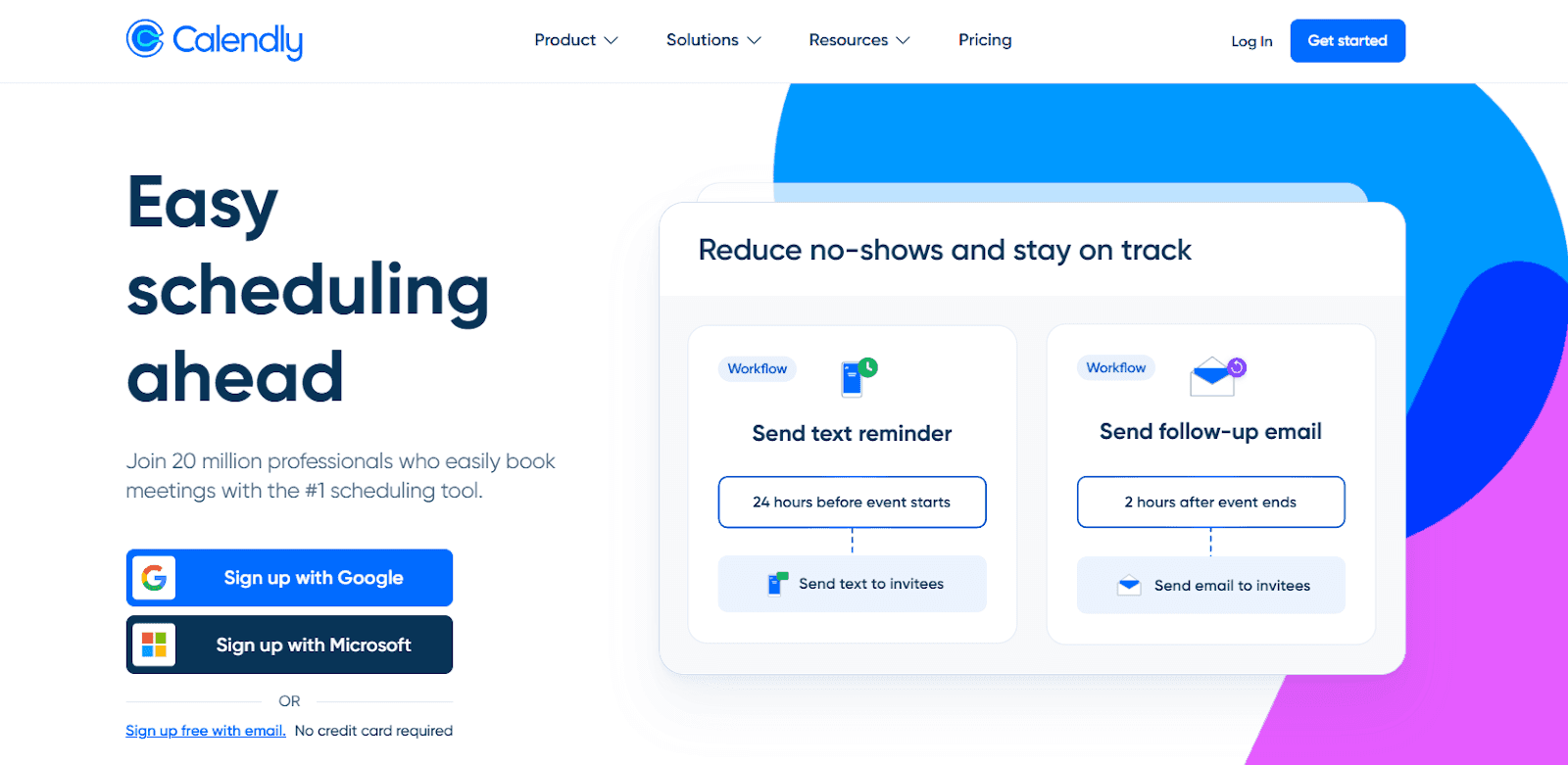
Calendly is a simple scheduling tool that has a basic free tier with advanced features limited to paid users. It is mostly used for personal scheduling or sales calls, and it works with minimal setup requirements. While extensive customization features are unavailable, it works as a minimalistic booking software with multi-calendar sync.
Core Features
- Google, Outlook, and iCloud calendar sync
- Simple interface for one-on-one meeting bookings
- Automated meeting reminders
- Zoom integration available
Pros
- Easy to set up and get started
- Professional design interface
- Suits quick scheduling needs
Limitations
- Advanced features are only available for paid users
- Limited automation options
- Limited customization abilities
Pricing
Free for personal use, Standard plan pricing for professionals starts at $12 per month.
Best For
Individuals and small teams with limited scheduling requirements.
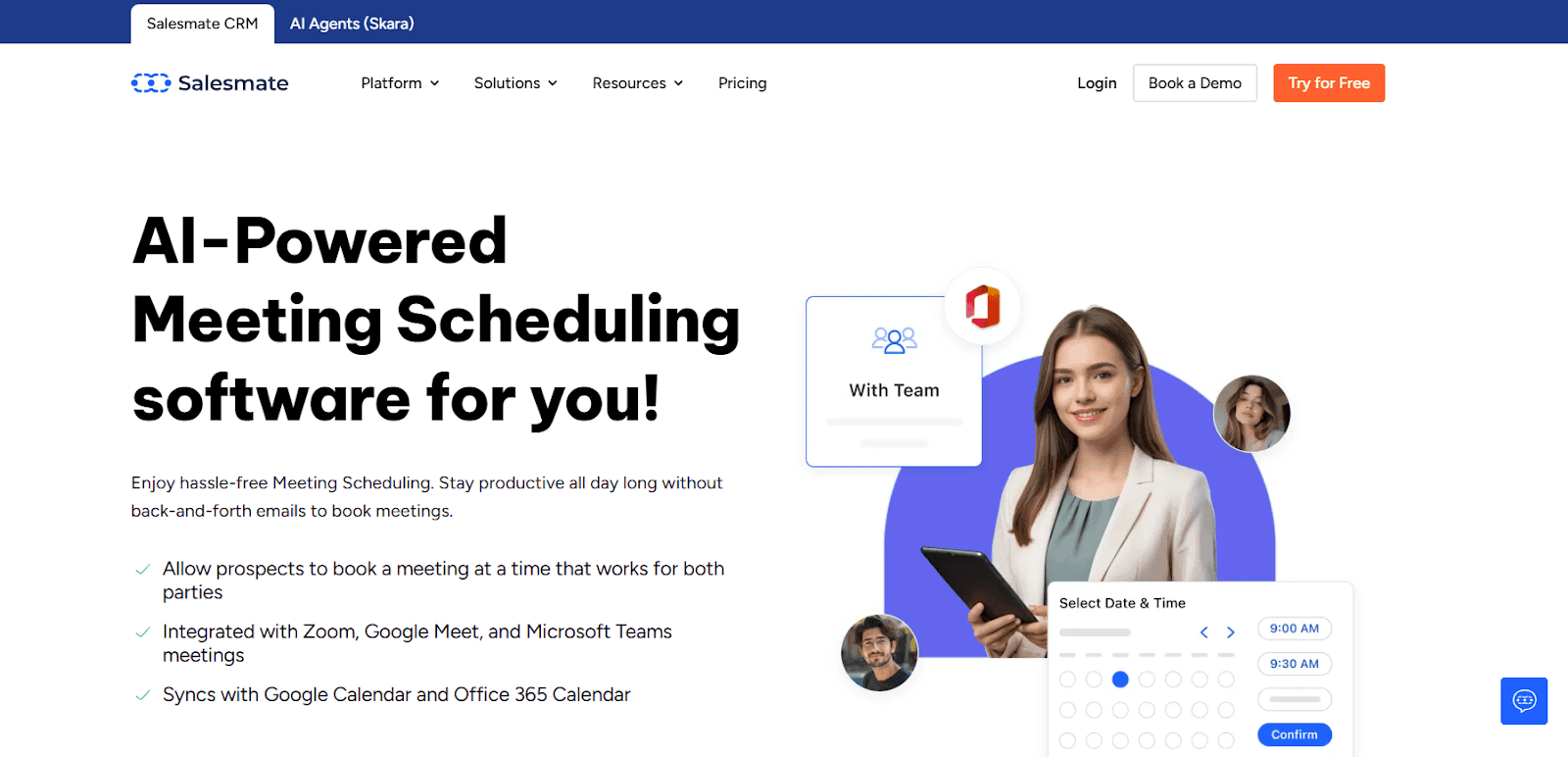
Salesmate is an AI-powered scheduling app built inside a modern CRM, designed to eliminate back-and-forth meeting coordination while helping teams convert conversations into revenue. It's built-in Meeting Scheduler allows users to share booking links, automate confirmations, and sync calendars instantly across Google and Microsoft accounts.
Instead of acting as a standalone calendar tool, Salesmate connects scheduling directly with contacts, deals, and communication history for full context. Teams can create one-to-one, group, team, or round-robin meetings while capturing custom information before every call. Automated reminders and notifications reduce no-shows and improve meeting attendance.
Because scheduling lives inside the CRM, every booked meeting automatically updates pipelines and workflows. This makes Salesmate ideal for businesses that want scheduling to drive sales outcomes, not just manage calendars.
Pros
- Built-in scheduler (no external tools required)
- Calendar sync with Google & Microsoft instantly
- One-to-one, team, and round-robin scheduling
- Automated confirmations and reminder emails
- Shareable or embeddable booking links for lead capture
- Meetings automatically linked with CRM data and pipelines
Limitations
- Advanced customization may have a learning curve
- No permanent free plan available
Pricing
Plans:
- Basic: $23/user/month
- Pro: $39/user/month
- Business: $63/user/month
- Enterprise: Custom pricing
Best For: Sales-focused scheduling teams
Acuity Scheduling
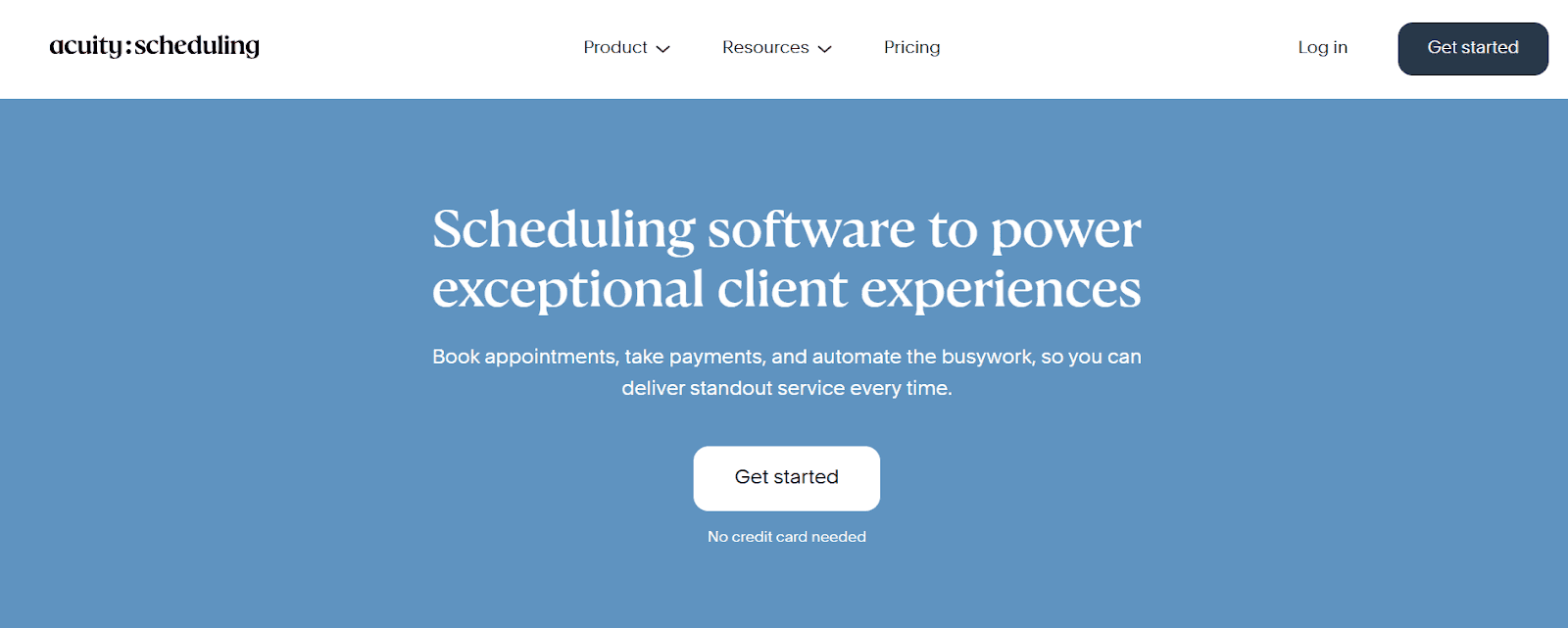
Acuity Scheduling is an appointment scheduler for service-based businesses like salons, spas, and wellness centres. Its UI and overall build are focused on service providers, and as such, it naturally provides intake forms and online payment integrations for appointment bookings.
Pros
- Professional design for client-facing UI
- Payment gateway integration for ease of payment management
- Suitable for multi-location businesses
Limitations
- Advanced features are accessible only on higher-priced plans
- Limited automation capabilities
- Not flexible for non-service-based users
Pricing
No free tier, Starter plans start at $20 per month, and Premium plans start at $61 per month.
5. Jotform Appointments
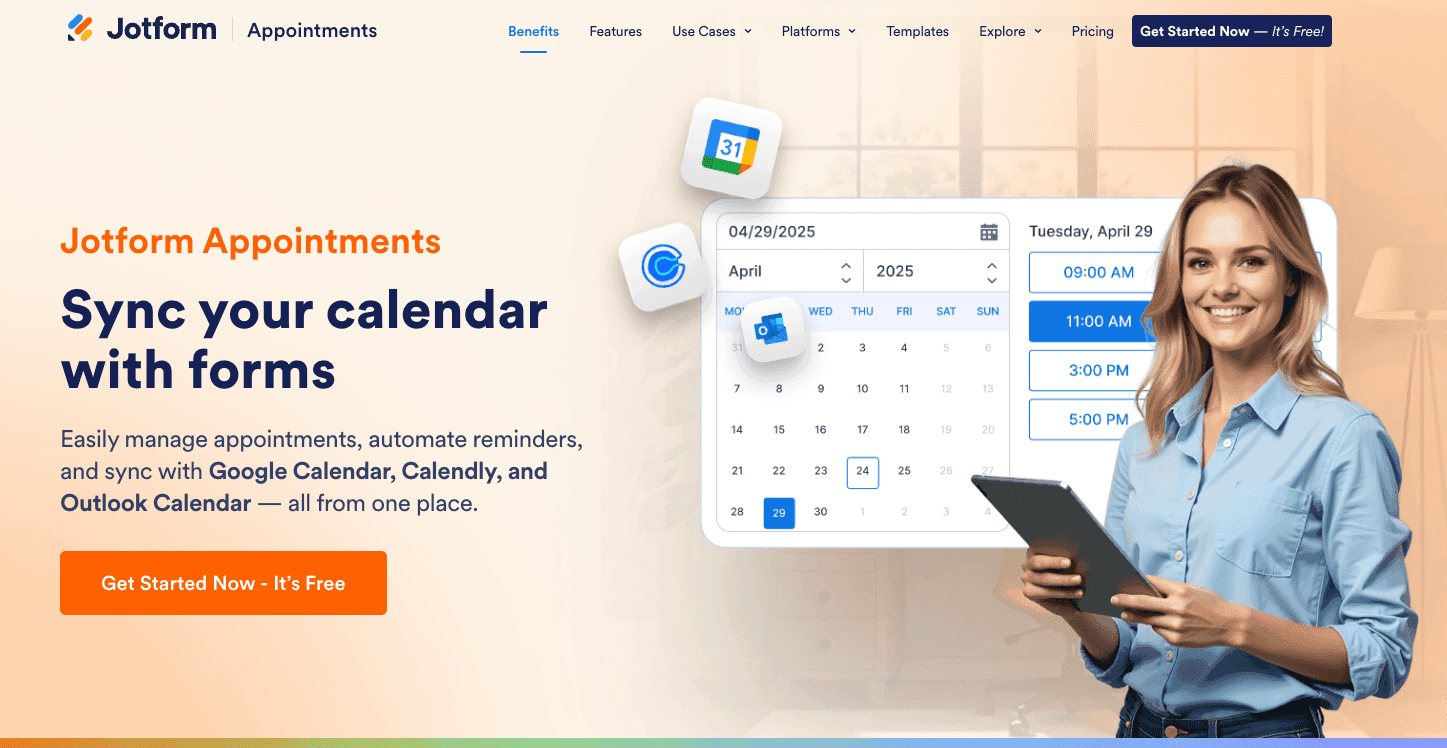
Jotform is a powerful form-building platform that doubles as a highly flexible scheduling tool. Unlike traditional schedulers, Jotform allows you to build completely custom booking experiences by combining appointment slots with complex forms, logic, and over 40 payment gateways. It is an ideal choice for businesses that need to collect extensive information or signatures at the exact moment a booking is made.
Core Features
- Easily set duration, buffer times, and maximum bookings per day.
- Show or hide specific scheduling options based on how the user answers previous questions.
- Collect deposits or full payments via PayPal, Stripe, or Square directly on the booking form.
- Automatically trigger approval emails or PDF receipts after a slot is booked.
Pros
- Infinite customization for data collection beyond just the time slot.
- Supports e-signatures and file uploads within the scheduling flow.
- Massive library of 10,000+ templates to get started quickly.
- Excellent mobile app for managing submissions and appointments on the go.
Limitations
- Can be more complex to set up than a dedicated "link-and-go" tool.
- Free tier has strict limits on the number of monthly submissions and branding.
- Native two-way calendar sync is robust, but the interface is form-centric rather than calendar-centric.
Pricing
Free plan available; Paid plans start at $34/month (billed annually) for increased limits and no branding.
Best For
Healthcare providers (HIPAA-compliant plans available), educational institutions, and businesses that require detailed intake forms alongside appointments.
Doodle
If you want a staff scheduling software that finds common meeting slots for all required participants, Doodle is a good option. This app is best suited for team workflows and allows easy meeting coordination with polls.
Pros
- Availability polls for ease of meeting scheduling
- Suited for team workflows
- Clean interface design
Limitations
- Advanced features are only available to paid users
- Fewer customization options
- It isn’t powerful enough to function as a full scheduling system independently
Pricing
Free for individuals, Pro and Team plans start at $14.95 and $19.95 per month, respectively.
Square Appointments
Square Appointments is a scheduling app best suited for in-person service-based businesses. It provides integrated payment management and features like no-show protection. The app is also a part of the Square ecosystem.
Pros
- Native Square ecosystem integration
- Offer no-show protection
- Allows scheduling and payment processing
Limitations
- Requires using the Square interface to get most benefits
- Rigid availability management features
- Not suited for non-service-based businesses
Pricing
Free plan available with Plus and Premium plans starting at $49 and $149 per month, respectively.
HubSpot Meeting Scheduler
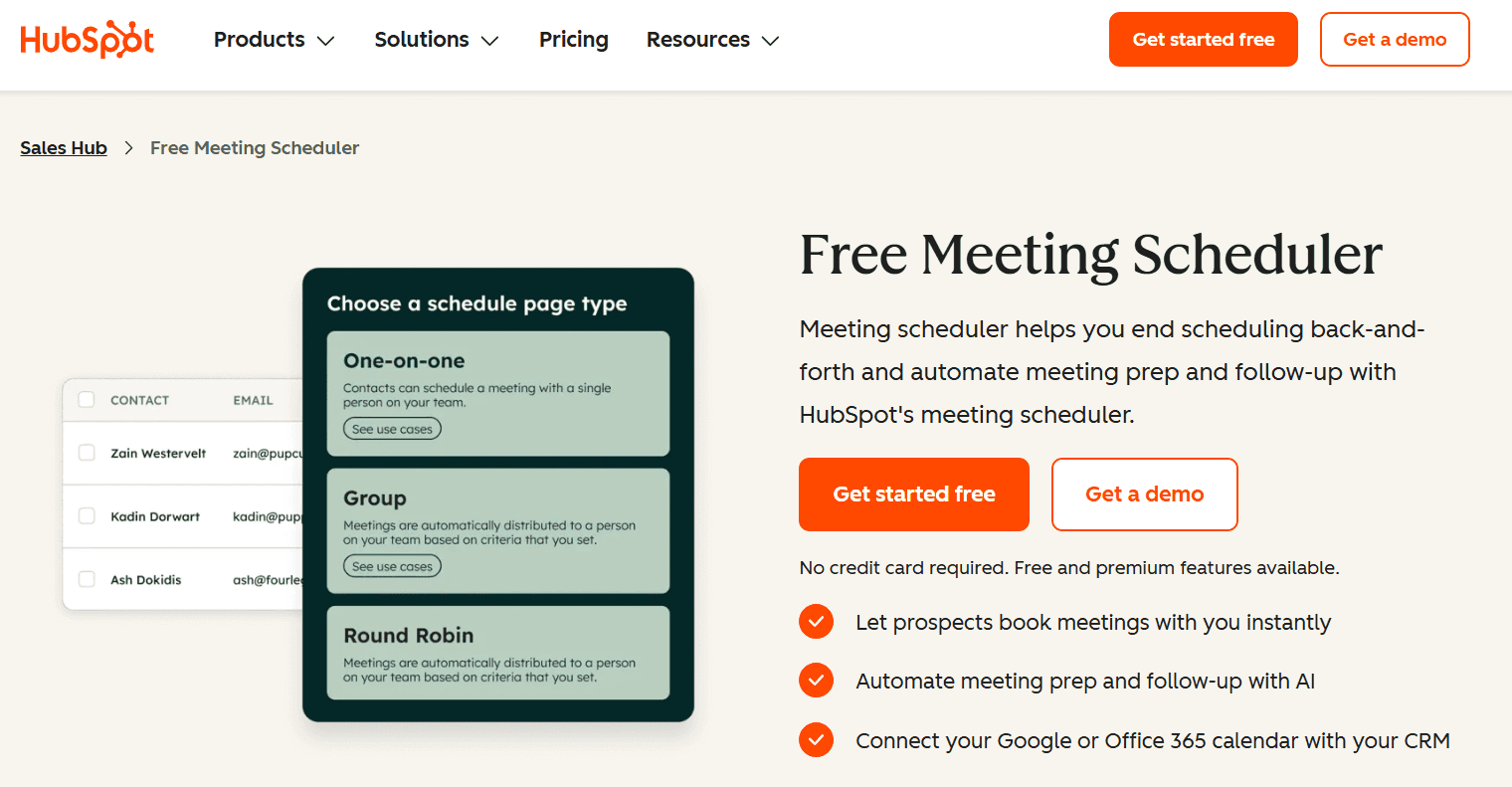
The HubSpot Meeting Scheduler is a tool for sales teams that need meetings directly fed into their CRM software. It offers useful features like lead routing and calendar syncing to help reps convert leads faster.
Pros
- Fully integrated with HubSpot CRM software
- Lead routing allows automatic meeting assignments
Limitations
- Not best suited for non-sales teams
- Requires using the HubSpot CRM to get the best value
Pricing
Free to use for anyone.
Zoho Booking
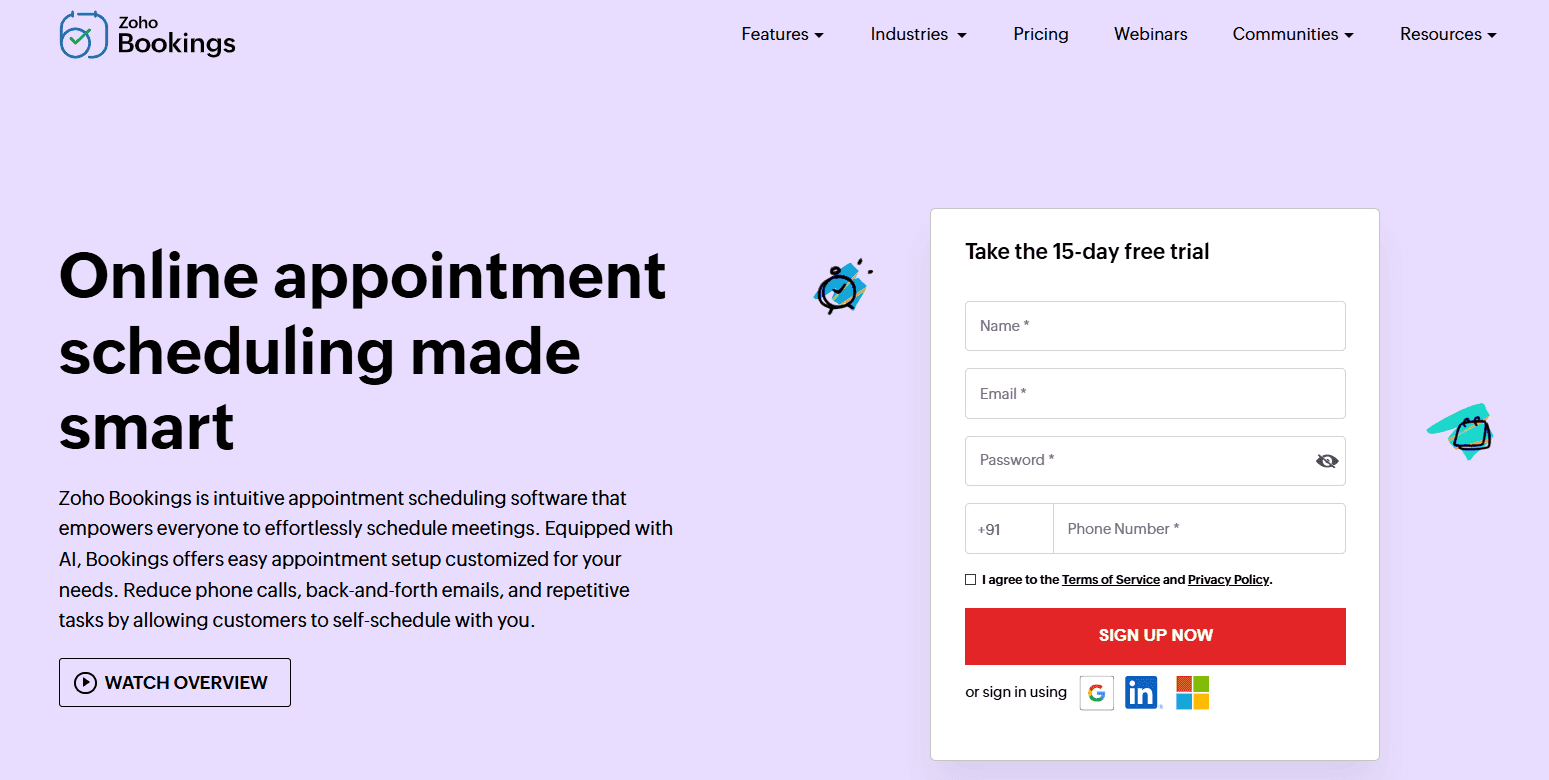
Zoho Bookings integrates natively with the Zoho Suite and helps businesses that already use the Zoho ecosystem. It is an affordable booking solution for businesses with good customization options.
Pros
- Affordable premium plans
- Native integration with Zoho Suite apps
Limitations
- No free tier
- Offers the most value only if you already use the Zoho suite
- The interface may feel dated to some users
Pricing
No free tier. Basic subscription plan starts at $5.38 per month.
Google Calendar (with Appointment Scheduling)
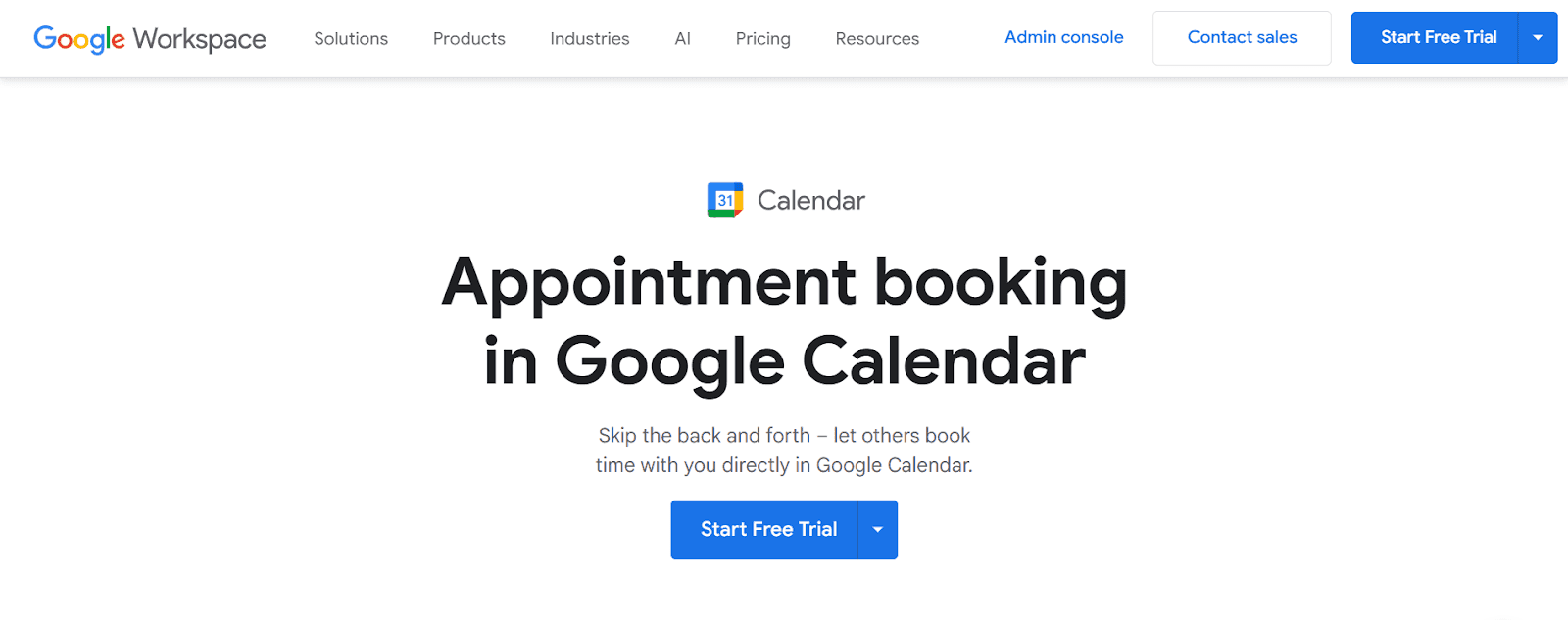
The Google Calendar with its Appointment Scheduling feature offers an easy meeting scheduling feature that’s built right into the Google Workspace. This system is lightweight and reliable for personal use.
Pros
- Syncs across all Google Apps
- Easy to use and doesn’t require any additional installations
Limitations
- Limited feature set
- No payment integration options
- Not suited for businesses
Best For
Students, freelancers, solopreneurs, or personal use.
Microsoft Outlook Calendar + Microsoft Bookings
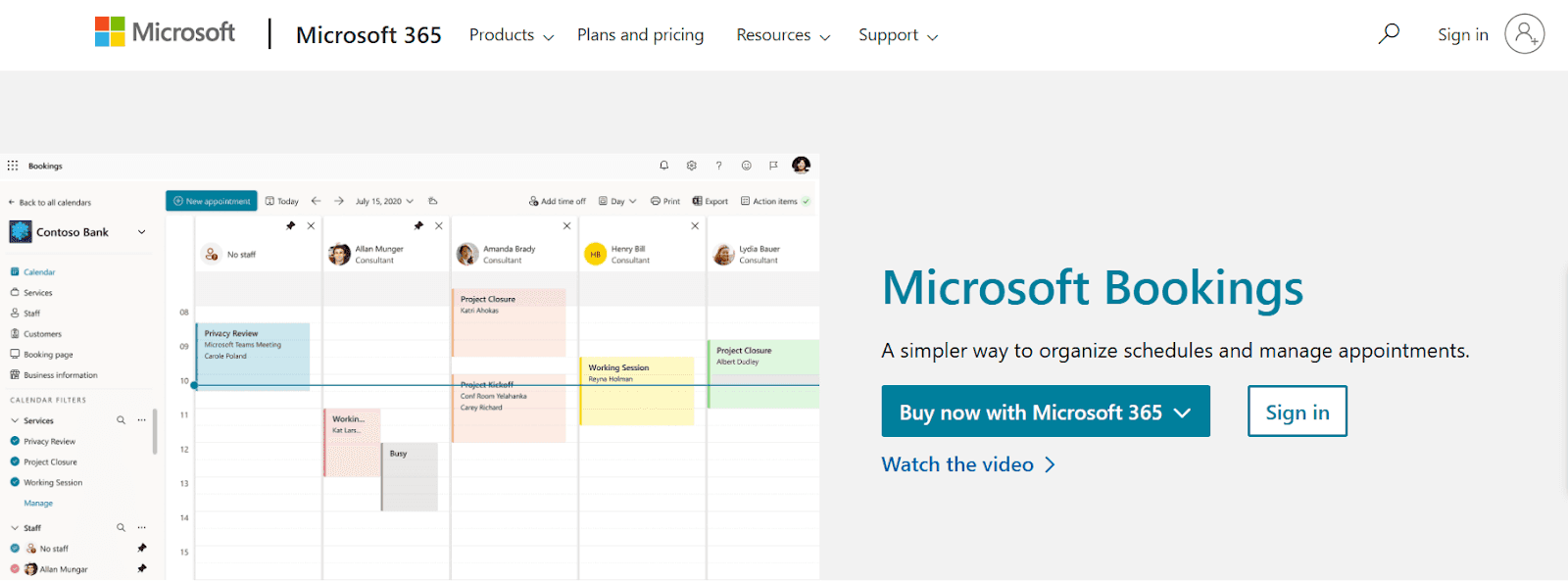
Microsoft Bookings seamlessly integrates with Microsoft 365 and the Outlook Calendar to provide a robust scheduling solution. This tool is best suited for enterprises and academic institutions.
Pros
- Tight integration with Microsoft 365 and Outlook Calendar
- Secure and offers an enterprise-level solution
Limitations
- Suited for businesses already using the Microsoft 365 ecosystem
- Not lightweight
- Less intuitive than some schedulers
Pricing
Cannot be purchased separately; comes with a full Microsoft 365 subscription.
Setmore
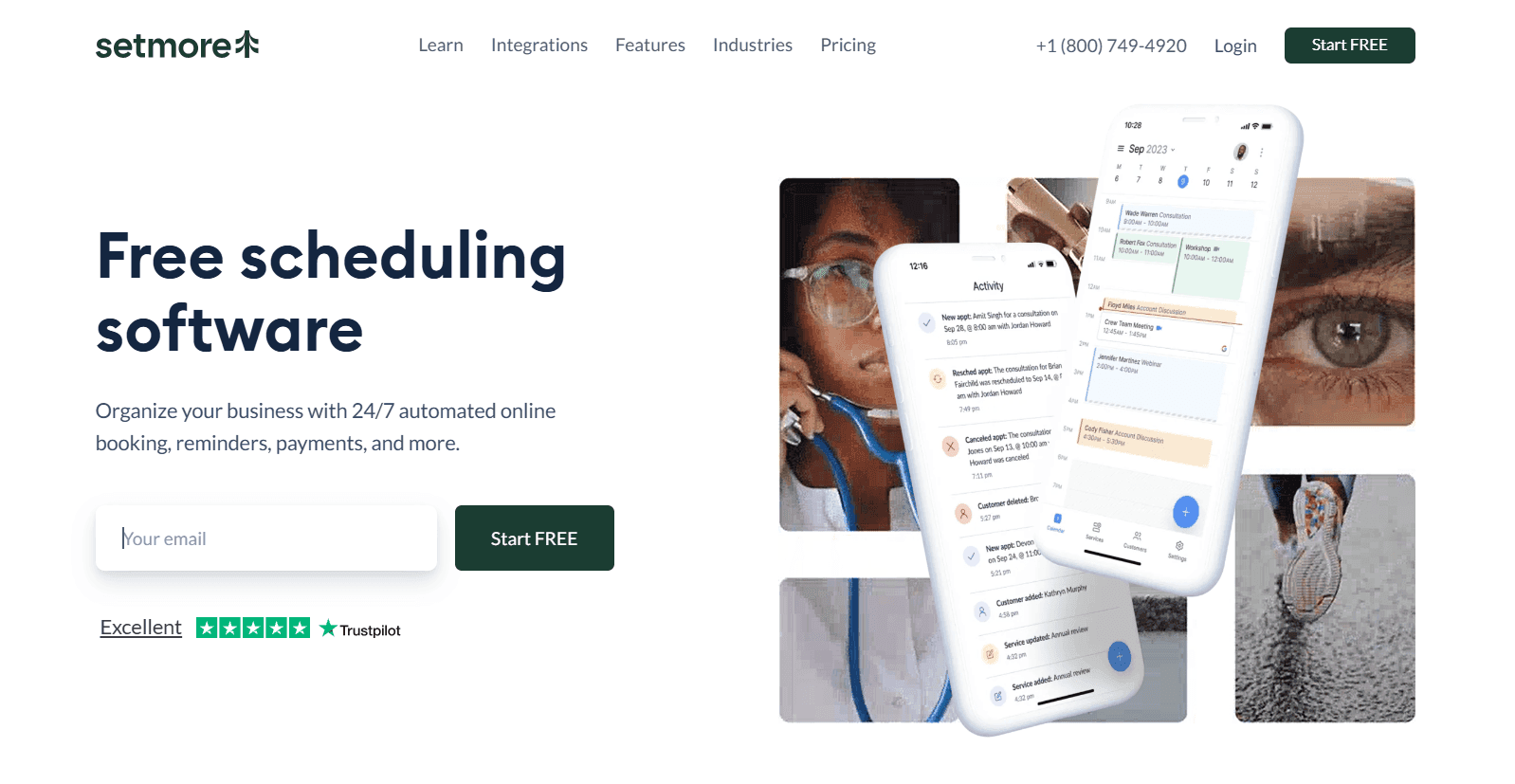
Setmore is a clean, beginner-friendly scheduling app with a good free plan. It has a simple interface and allows you to create simple booking pages and avail basic automation.
Pros
- Generous free plan
- Automates booking confirmation and reminders
Limitations
- Fewer advanced features
- Limited integration options
- Does not support complex business requirements
Pricing
Free for up to 4 users. Pro plan priced starting at $12 per month.
Best Scheduling App By Use Case
Best overall: Cal.com ranks as the best overall scheduling app, thanks to its features, robust free plan, and API-first infrastructure.
Best free option: The best free scheduling app also goes to Cal.com, as it offers all the necessary features for individual users in the free tier.
Best for businesses: This category is tied between Cal.com and the HubSpot Meeting Scheduler. However, HubSpot Meeting Scheduler supports fewer business use cases compared to Cal.com.
Best for service-based businesses: In-person service-based businesses like salons, spas, and wellness centres can choose between Acuity Scheduler and Square Appointments.
Best for creators: Creators and freelancers who need a simple scheduling app to manage their meetings can go for Cal.com or Calendly. Cal.com offers a better free plan comparatively.
Best for teams: Teams with limited scheduling requirements can use Doodle for meeting coordination. For additional requirements, Cal.com offers end-to-end scheduling solutions for teams.
Best for personal scheduling: The best scheduling app in this category is tied between Cal.com and Calendly.
Best for enterprise: This category is dominated by Cal.com thanks to its API-first infrastructure and open-source interface.
Best for payments + scheduling: For payments + scheduling, Cal.com takes the crown with native Stripe integration, and Square Appointments takes a close second spot.
Final Verdict
There’s a significant difference between your personal scheduling needs and those of a business. So, based on your requirements, you need to understand which app fits you the best.
The rule of thumb, whether you’re a business or an individual, is to choose a tool that can:
- Meet your scaling requirements and
- Can be customized to fit your workflow
Cal.com stands out in both those departments as a scalable software that you can customize and automate to fit your workflow, both as an individual and as a business.
FAQs
What is the best scheduling app for 2026?
As per our hands-on testing and rankings, Cal.com ranks as the best scheduling app for 2026.
Which scheduling app is best for businesses?
Businesses that use CRM software are best suited to use the CRM-software-branded scheduling apps like Square Appointments and HubSpot Meeting Scheduler. For independent requirements, Cal.com is the best thanks to its API-first infrastructure and private hosting capabilities.
Which scheduling app is best for personal use?
Both Cal.com and Calendly work great for personal use. You are free to try both and see which one suits your needs the best.
Is Cal.com free?
Yes, Cal.com offers a generous free tier and is free for individual freelancers, solopreneurs, and creators. Premium plans are built for businesses and teams with a low monthly subscription fee.
Which app offers the most automation?
Cal.com is best suited for complex automations and customizations that are required for integration into complex workflows. This is made possible by the open-source infrastructure of the app.
Which scheduling app is easiest for teams?
Doodle is the easiest for teams as it provides simplicity with limited features.
Can I use scheduling apps for client appointments?
Yes, booking client appointments is one of the key functions of scheduling apps. With the right scheduling apps, you can book client appointments, receive payments, and send clients booking confirmations and reminders, all automatically.
Which scheduling app integrates with Google Calendar?
Most modern scheduling apps integrate with Google Calendar; however, Google’s own Calendar app integrates most tightly with Google Calendar.
Which scheduling app works best for service businesses?
In-person service businesses can use scheduling apps like Acuity Scheduling and Square Appointment. For services that require user information confidentiality, Cal.com ranks the best.
. What is the best free scheduling app?
In short, Cal.com offers the most robust free tier for common scheduling apps in the market.